10
Web based application (www.loggermaster.com)
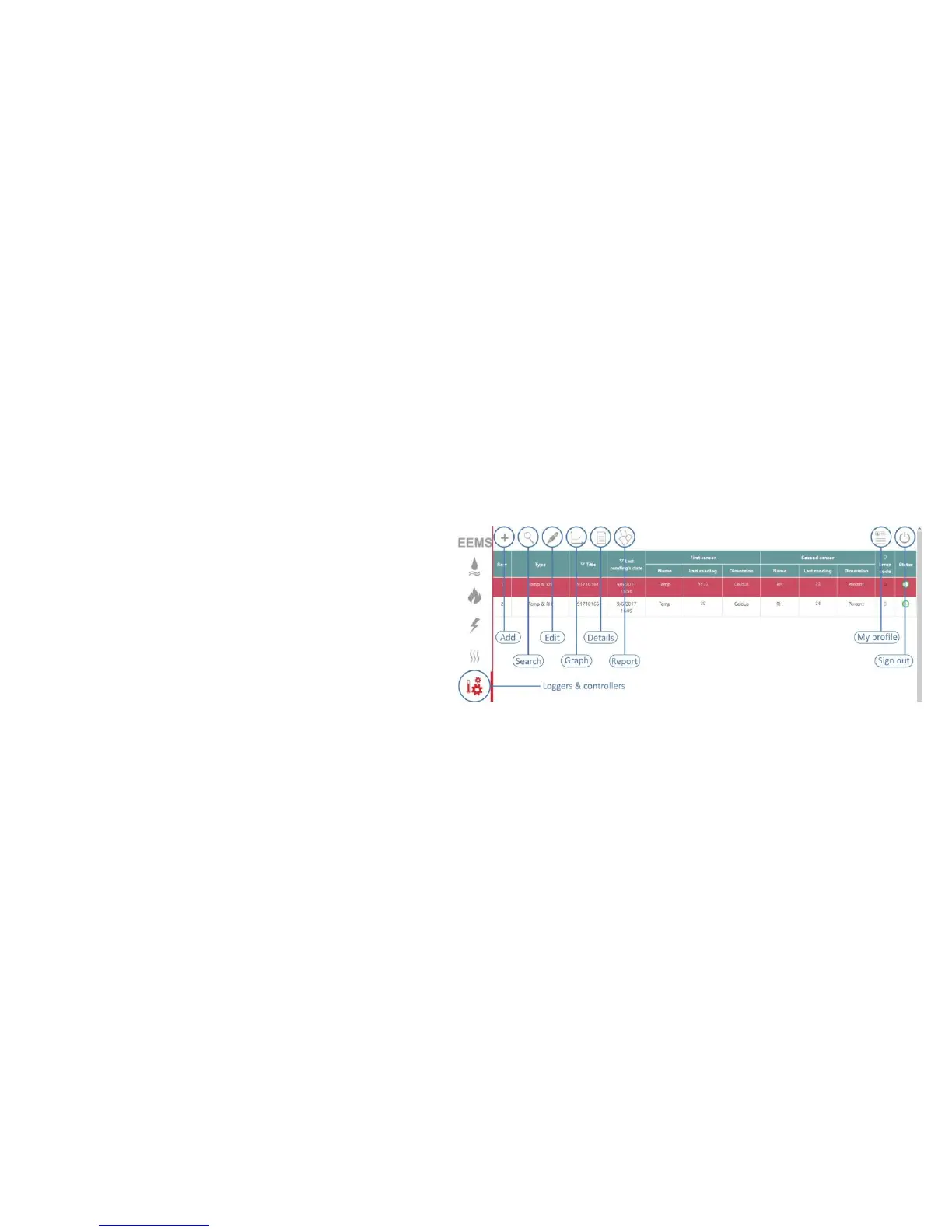
• By logging into your account, you can always adjust key parameters in "my
profile" including language, time zone, country, default login page (define your
landing page when you log in), password, emails and phone numbers (to
receive notifications)
• You can always access the list of your “bun hygro” devices by clicking on the
"loggers and controllers" menu (see figure 5)
• You can see “add” and “search” icons that help you add new devices to your
account or find a specific device in your list in top menu bar.



 To Next Page