7
4. Using and charging the battery
Installing the battery:
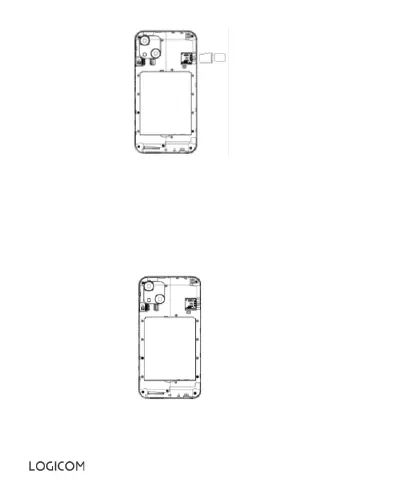
• Remove the back cover of your smartphone
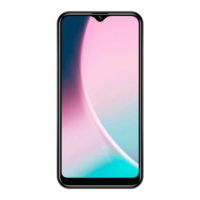
• Insert the battery, ensuring that the image on the right is facing you.
• Put the back cover of the smartphone back on.
CAUTION: Only use the battery supplied with your smartphone
Model: V435868ART (Li-ion – 3,8V – 2300mAh)
• To replace a battery, please contact your dealer's service department.


 To Next Page