Main menu
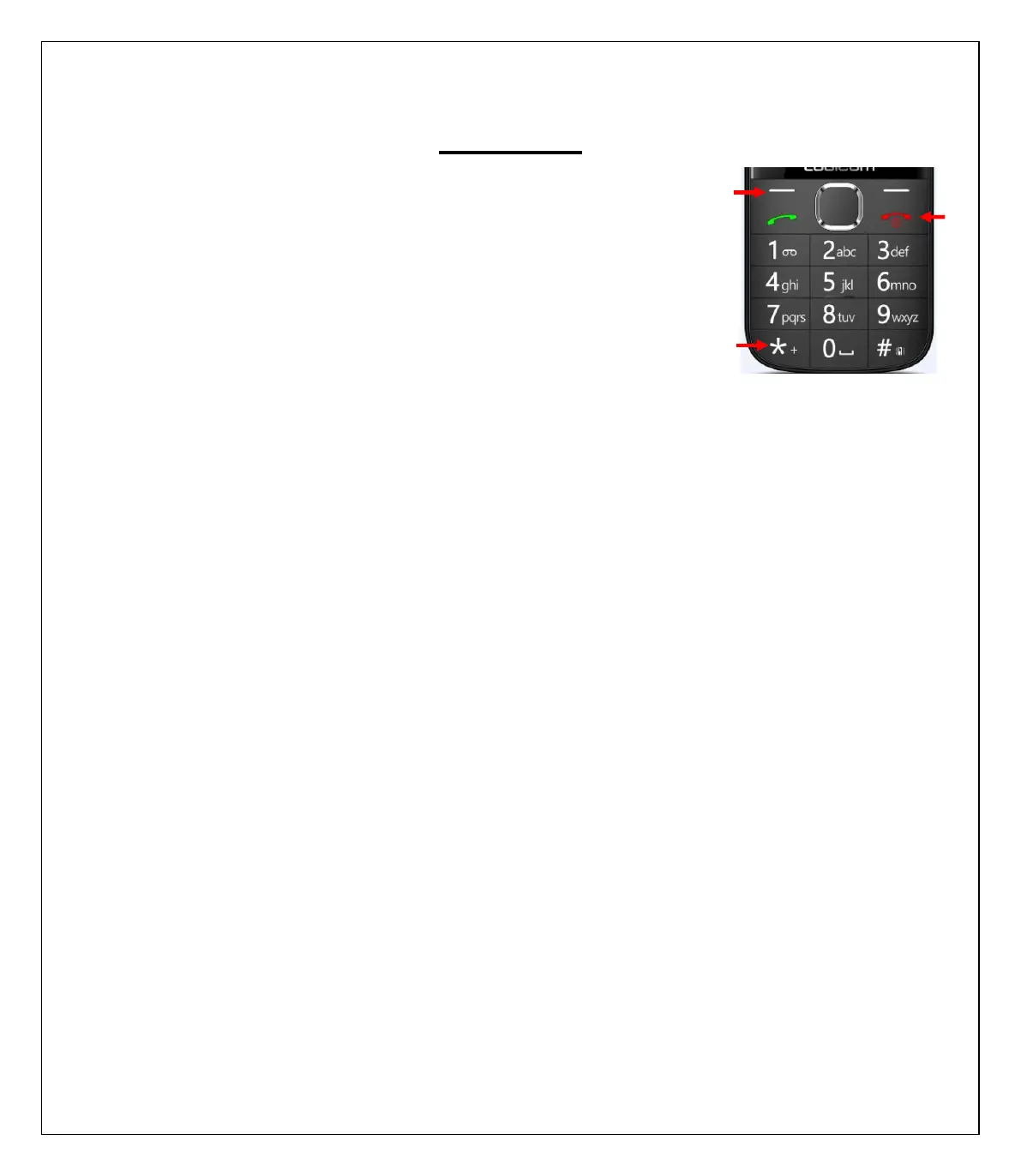
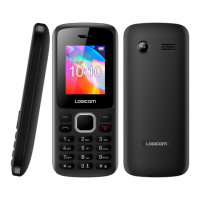
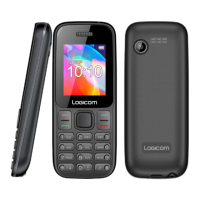
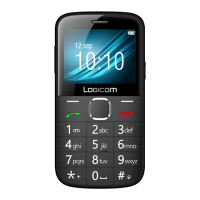
To Lock/Unlock the keyboard, press the menu key (1) then the
star key (2).
To Turn on/Turn off the phone, press the On/Off key (3) for
a long time.
1. Contacts
You can save a phone number in the memory of the phone or in the SIM cards.
¾ Add a new contact: Create a new contact
¾ View: View detailed information on the contact
¾ Send text message: Send a message to the contact
¾ Call: Call the contact
¾ Edit: Edit the contact's information
¾ Delete: Delete the selected contact
¾ Copy: Copy the contact to the phone or to the SIM card
¾ Phonebook settings: Edit additional numbers / Overview of the capacity of the
SIM cards and of the phone
2. Call History
¾ Missed calls: See the number of the missed calls
¾ Dialed calls: See the recent list of various calls made
¾ Received calls: See the recent list of various calls received
¾ All Calls: View all calls made, received and missed
¾ Delete call logs: Delete the selected calls
¾ Call timers: View the duration of the last call, dialed and received calls
3. Message
3.1. Write message
Compose a new message, insert a number and other


 To Next Page