4
Product Overview
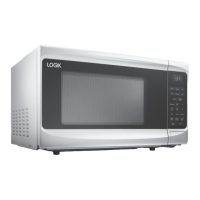
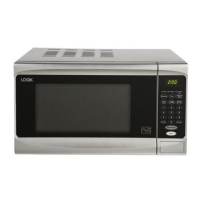
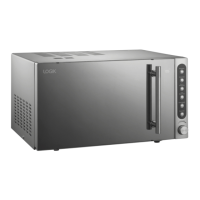
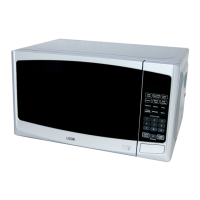
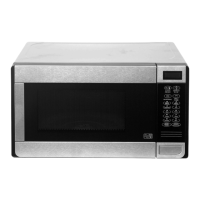
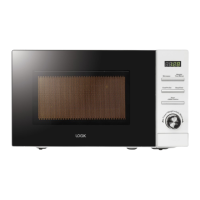
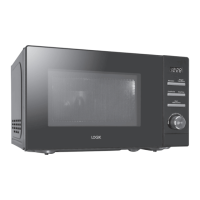
The Main Unit
The Control Panel
Control Panel
LED Display
Shows the clock or
cooking time / setting.
MICROWAVE Button
Use this button to select the
microwave function.
CONVECTION Button
Use this button to select
the function of convection.
CLOCK Button
Use this button to set the
pre set function.
GRILL Button
Use this button to select the
function of grill.
COMBINE Button
Use this button to select
the function of combination.
START Button
To start cooking.
DEFROST BY W.T. Button
Use this button to set
defrost by weight.
DEFROST BY TIME Button
Use this button to set
defrost by time.
STOP/CLEAR Button
This button will stop
cooking and clear cooking
settings.
L21CS10_IB_GB_100927_Zell.indd 4 27/09/2010 3:49 PM



 To Next Page