- 9 -
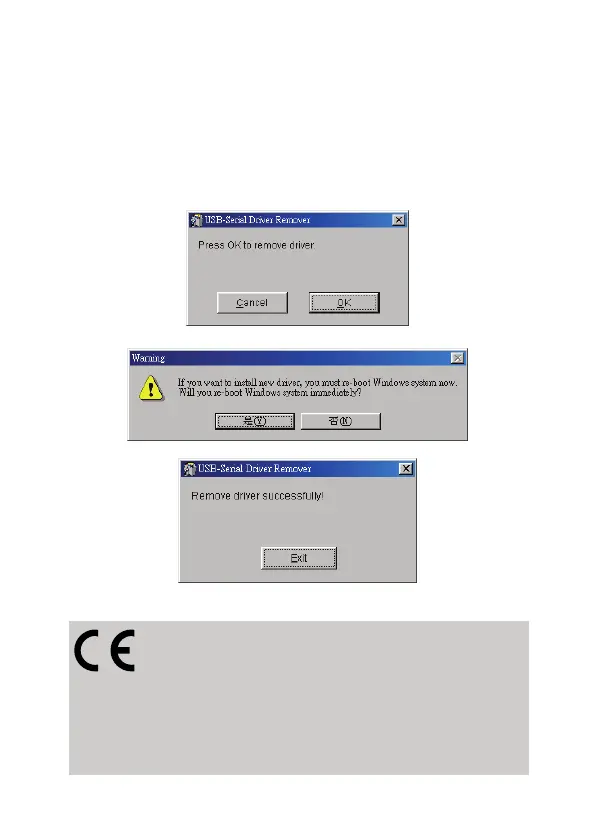
3.5 Uninstalling the Driver Program
If you want to remove the USB-Serial cable driver program, you
can uninstall it by following the steps below:
1. Unplug the USB-Serial cable from your PC.
2. Run the DRemover98_2K.exe program from the software
CD-ROM, then reboot the PC.
CE Declaration:
This device corresponds to EU directive 2004/108/EC:
With the CE sign Logilink®, a registered trademark of the
2direct GmbH ensures, that the product is conformed to the basic
standards and directives. These standards can be requested online
on www.logilink.com. All trademarks and registered brands are the
property of their respective owners.



 To Previous Page