- 3 -
3.0 Installation
3.1 Software Installation
Follow the following steps is to install under Window 2000.
1. Turn on your computer; Make sure that the USB port is
enabled and working properly.
2. During the installation, please don’t link USB-Serial cable with
your computer.
3. Double click ”setup.exe ”as following, then it will start
install
4. After installation, please click ”OK ”
3.2 Hardware Installation
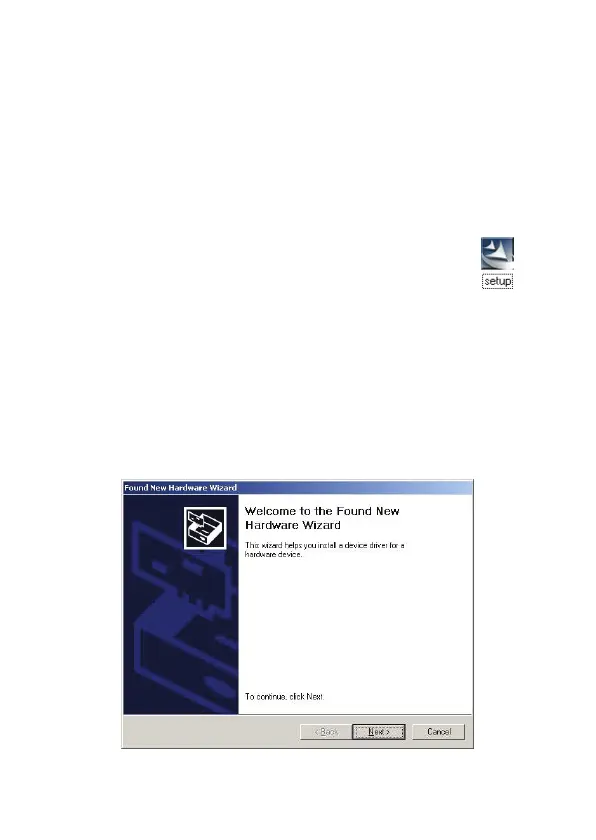
1. Plug in the USB-Serial cable AU0002E into the USB port and
run the Found New Hardware Wizard to assist you in setting
up the new device.
2. Click ‘Next’ to continue.



 To Next Page