13
NTP Server Enable:
You can enable this option to update the date and time of the system automatically with
specified NTP server.
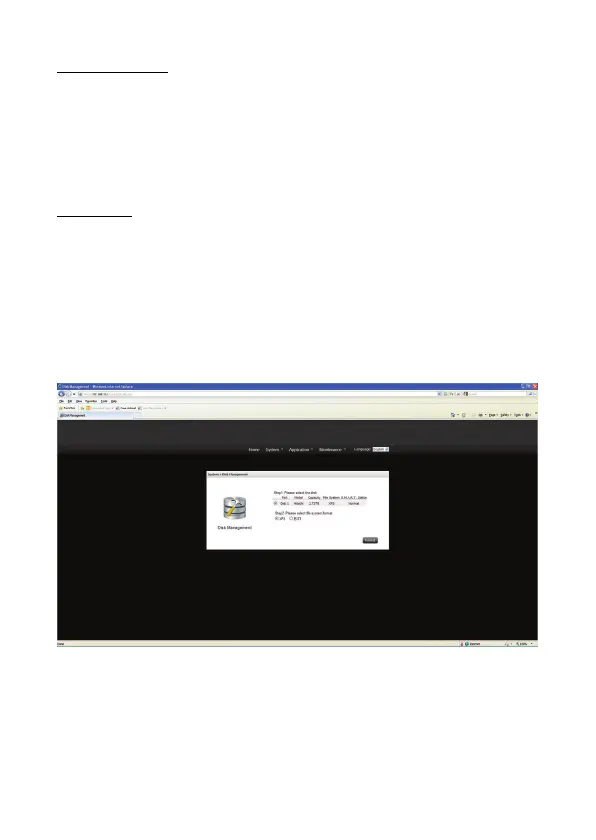
3) Disk Management
Administrator can select the file system and format the internal storage device on this page.
IMPORTANT:
The Format process will erase all data from the hard drive. Make sure that the NAS is
connected to a power source and is not powered down during this process to prevent
damage to the system.
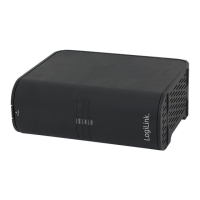
NS0045A:
1. Select the Disk, Create Disk Partition and Format the internal storage device as XFS or
EXT3 format.
2. Click “Format” to begin the initialization process.



 To Next Page