6 English
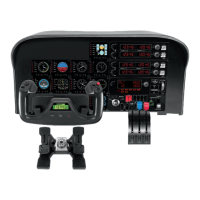
USING THE LOGITECH G FLIGHT MULTI PANEL
Button Autopilot function
AP Master switch to engage or disengage the autopilot
HDG Plane will y to selected compass heading
NAV Plane will y to selected NAV1 frequency or GPS
IAS Plane will y at selected indicated airspeed
ALT Plane will y to and maintain selected altitude
VS Plane will climb or descend at selected vertical speed
APR Plane will y on approach to runway localizer
REV Plane will y on a back course from the localizer



 To Next Page