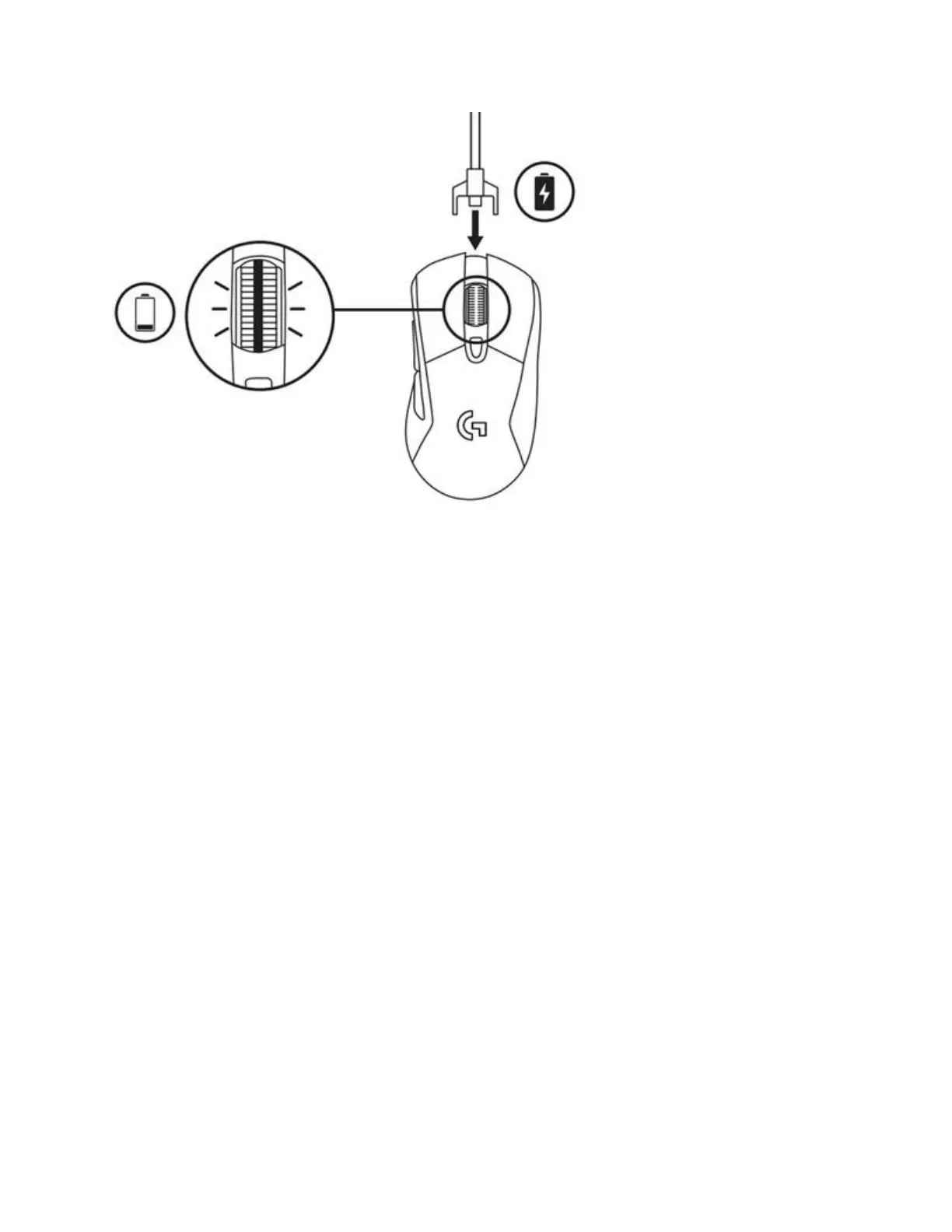
When you connect the cable with the mouse powered on, the scroll wheel LED will blink green
for 8 seconds to indicate that the battery is recharging. If the mouse is off when you connect the
cable, the scroll wheel LED will blink continuously green. Once the battery is fully recharged
and the mouse is off, the scroll wheel LED glows solid green.
+Enable Automatic Game Detection mode on your gaming mouse with Logitech Gaming
Software
You can use Logitech Gaming Software (LGS) to enable Automatic Game Detection mode your
gaming mouse. Here’s how:
1. If your mouse is wireless, make sure that it’s connected to your computer using the
supplied USB cable or the wireless USB receiver.
2. Launch LGS, select your gaming mouse and navigate to the Home tab.














 To Next Page