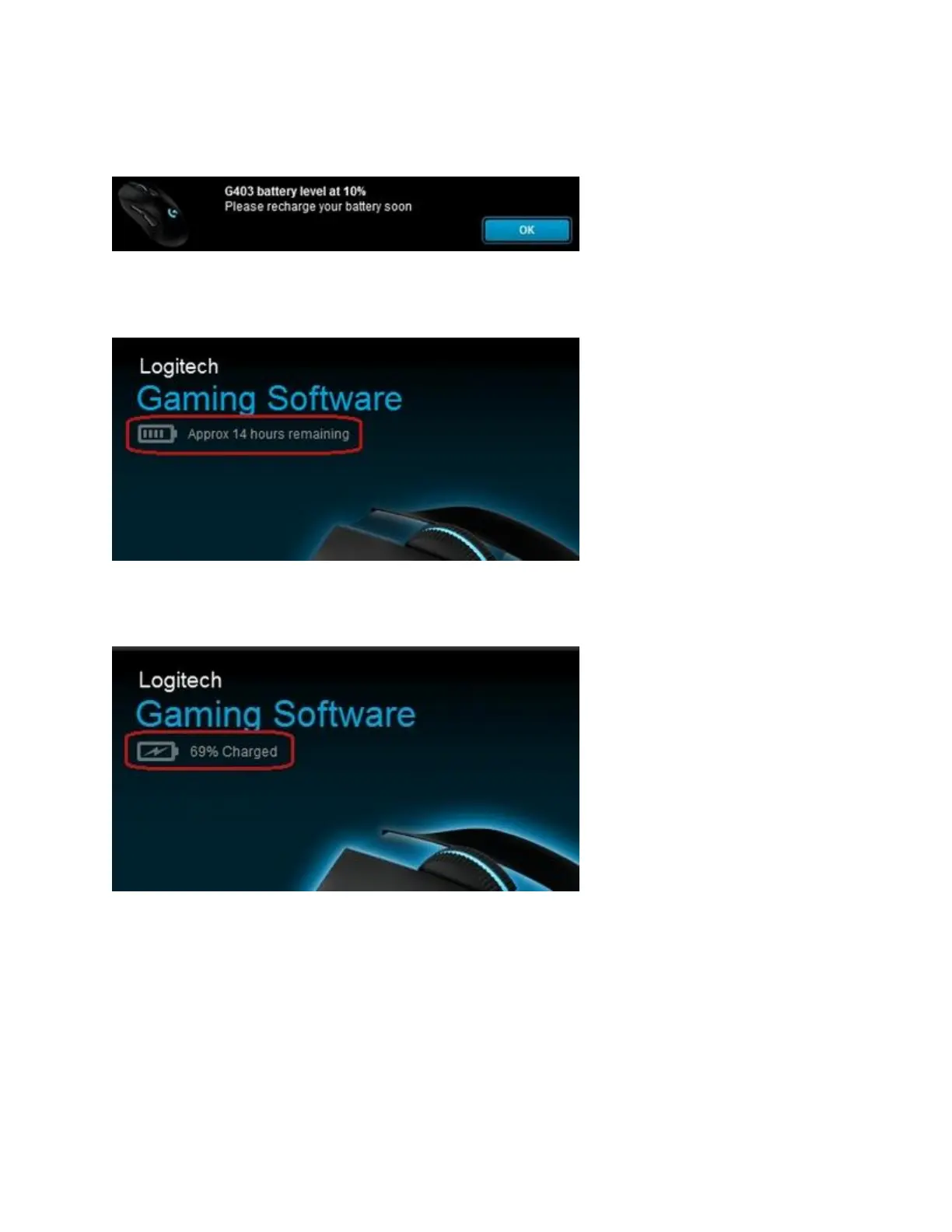
Once the mouse battery level is below 15%, the scroll wheel LED starts blinking red. When the
mouse battery reaches 10%, a notification is displayed in the upper right corner of your screen.
You can also check the battery status using Logitech Gaming Software (LGS). The battery status
is displayed in the upper left corner when you open LGS.
NOTE: When the G403 or G703 is connected to your computer using the USB cable, the icon
appears as shown:
Charge the G403 or G703 battery
To charge your gaming mouse battery, securely connect the Micro-USB port (on the front of the
mouse) to a USB port on your computer using the supplied Micro-USB to USB cable.














 To Next Page