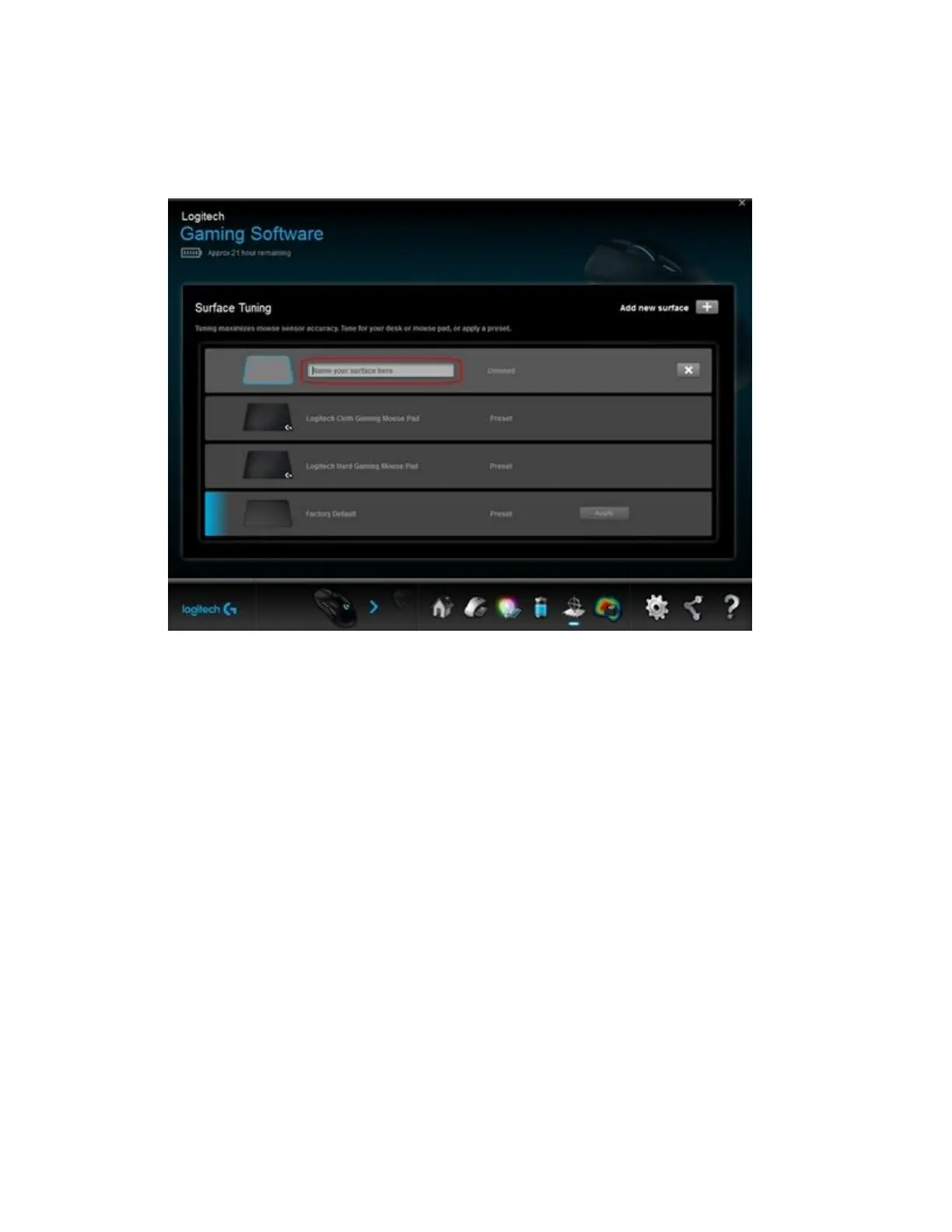
NOTE: Factory Default is the default setting. Click Apply to restore the default settings.
5. In the text box, enter a name for the custom surface tuning setting, and then press Enter.
NOTE: To remove the custom surface tuning setting, click the X next to the appropriate
listing.
6. Click Tune to start the custom surface tuning process.














 To Next Page