9 English
HOW TO STREAM WITHOUT
BACKGROUND– XSPLIT
BROADCASTER
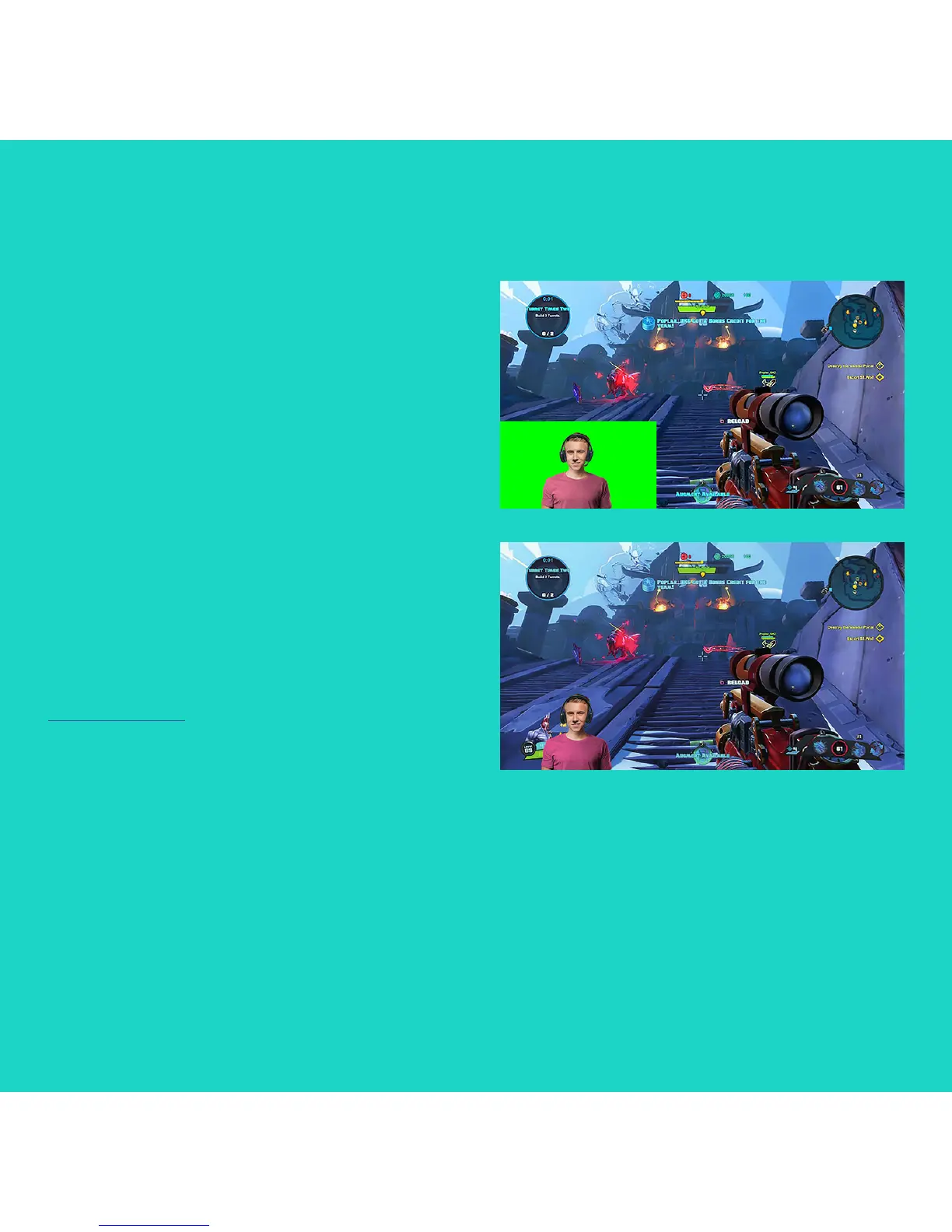
To stream with Logitech C922 without
background, complete the following steps:
– Install ChromaCam by Personify for C922
from www.logitech.com/support.
– Launch XSplit Broadcaster.
– Go to Add > Webcam…> ChromaCam
by Personify for C922. The ChromaCam app
will launch automatically.
– Select the default virtual green screen
background in ChromaCam.
– In XSplit Broadcaster, right-click your webcam
capture to go into Camera Settings.
– Navigate to the “Color” tab.
– Select “ChromaKey” option, and make
sure green is selected to remove the virtual
green screen.
Refer to the XSplit Documentation at
http://xsplit.com for more information.




 To Next Page