8 English
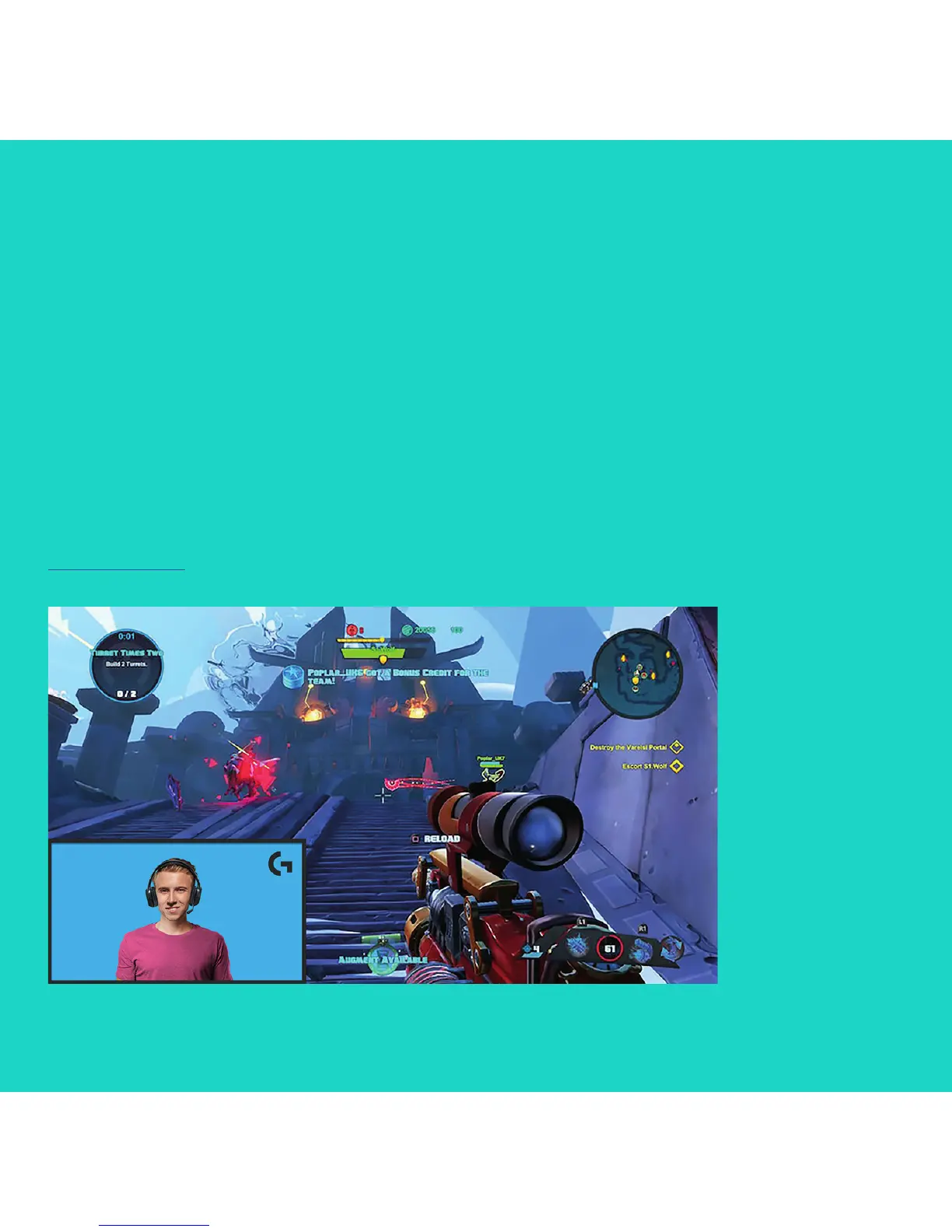
HOW TO STREAM
WITH ACUSTOMBACKGROUND –
XSPLITBROADCASTER
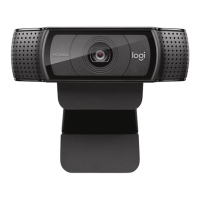
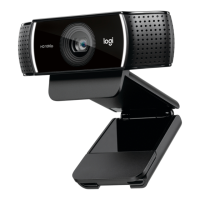
To stream with Logitech C922 and a custom
background, complete the following steps:
1. Install ChromaCam by Personify for C922
from www.logitech.com/support.
2. Launch XSplit Broadcaster.
3. Go to Add > Webcam…> ChromaCam
by Personify for C922. The ChromaCam app
will launch automatically.
4. Select the required background or add
your own in ChromaCam.
Refer to the XSplit Documentation at
http://xsplit.com for more information.




 To Next Page