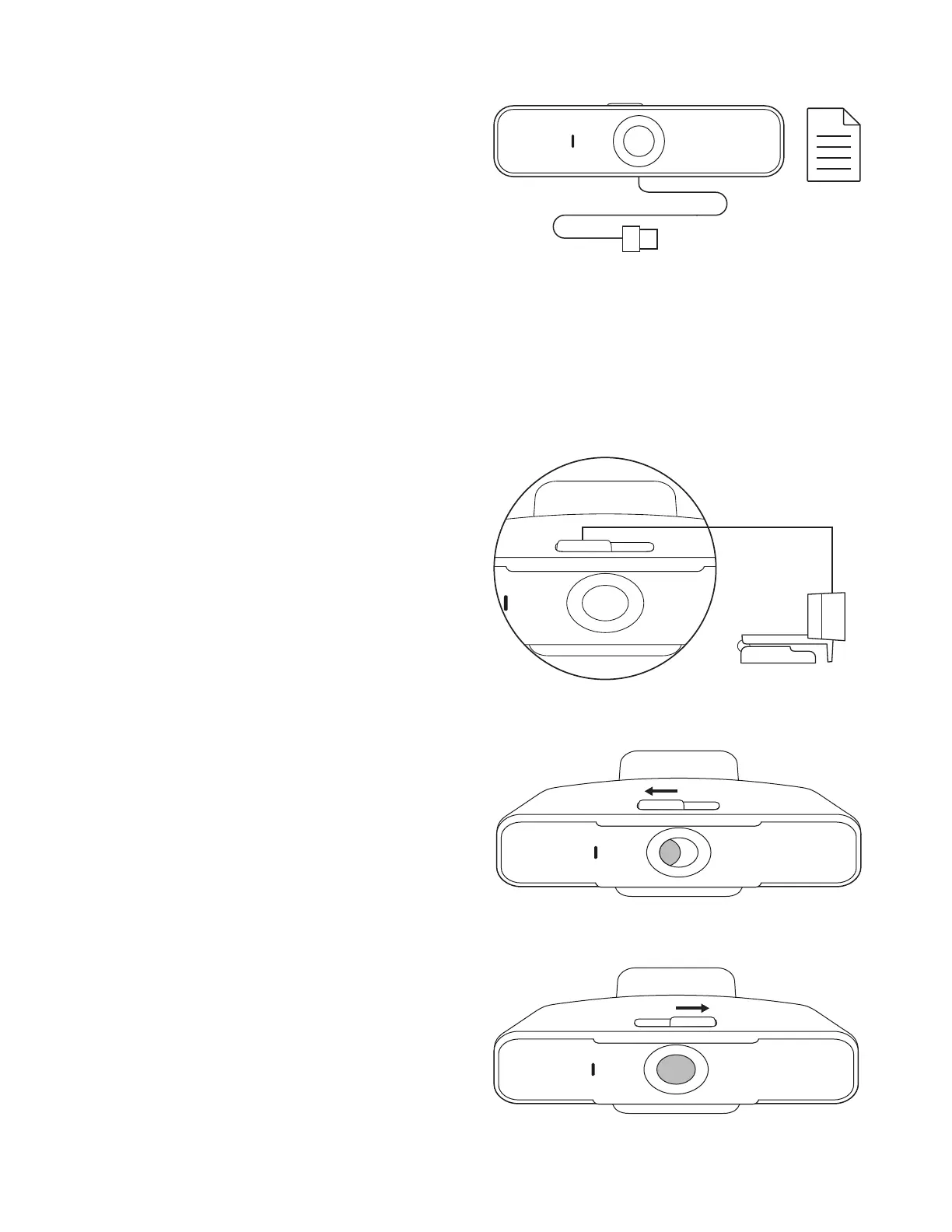
USB-A
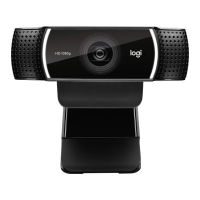
WHAT’S IN THE BOX
1 Webcam with 6 ft (1.83 m) attached USB-A cable
2 User documentation
CONTROLLING THE BUILT-IN PRIVACY SHUTTER
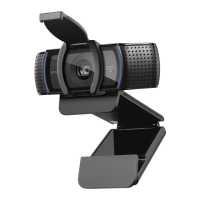
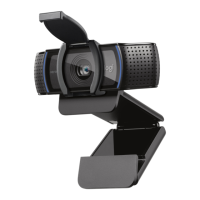
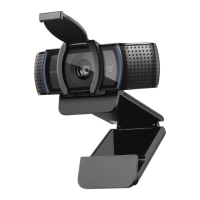
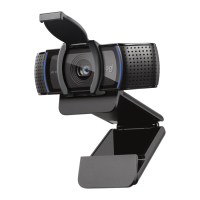
1 C925e is designed with an integrated privacy shutter.
The slider to open/close the shutter is located on top
of the webcam, directly above the camera lens.
2 To open the privacy shutter, move the slider
totheleft.
3 To close the privacy shutter and cover the lens,
movethe slider to the right. The lens will appear white
when the privacy shutter is closed.
4 English



 To Next Page