10 English
Logitech
®
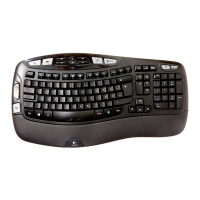
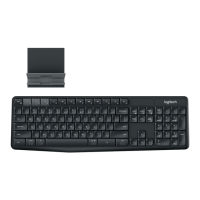
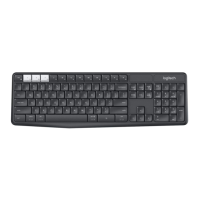
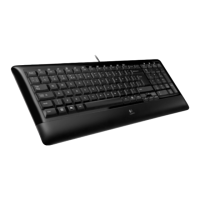
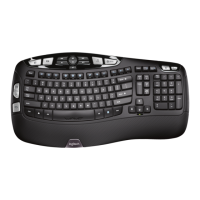
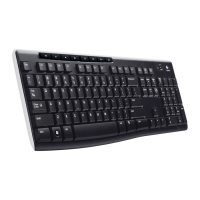
Wireless Keyboard K340
Enhanced F-keys start applications, control
volume, and play media. To perform an
enhanced function, hold down the FN key
while pressing an F-key.
Keyboard features: Using F-keys
Tip In the software settings, you can invert
the FN mode if you prefer to access the
enhanced functions directly without
having to press the FN key.*
Quick-start F-keys
Instantly start applications and utilities
Volume control F-keys
Adjust or mute computer audio
Media control F-keys
Start media application and control playback
Sleep mode
Put computer to sleep
* Requires SetPoint™ Software (available for download at
www.logitech.com/downloads
).



 To Next Page