8 English
Logitech
®
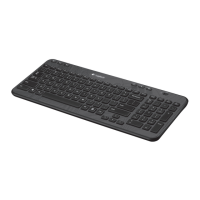
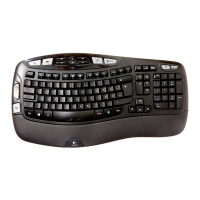
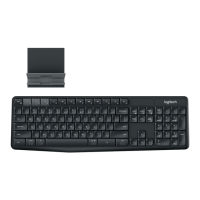
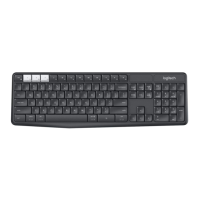
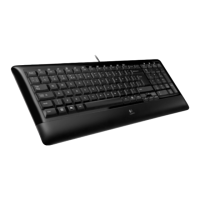
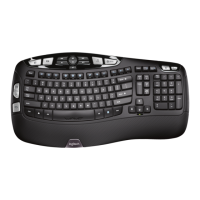
Wireless Keyboard K340
Keyboard at a glance
Battery LED
Turns red
when about
three months
of battery life
remains.
Off/On switch
F-keys (Enhanced functions)
Start applications, adjust or
mute audio, and control media
playback.
Navigation keys
Quick navigate Web pages,
documents, and presentations.
FN key
Hold down while
pressing an F-key
to perform an
enhanced function.



 To Next Page