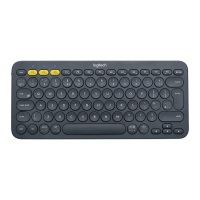
Getting Started - K380 Multi-Device
Bluetooth Keyboard
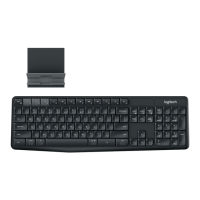
Enjoy the comfort and convenience of desktop typing on your desktop computer, laptop,
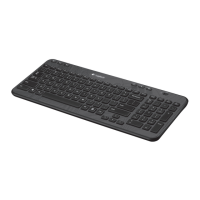
smartphone, and tablet. The Logitech Bluetooth® Multi-Device Keyboard K380 is a compact
and distinctive keyboard that lets you communicate and create on your personal devices,
anywhere in the home.
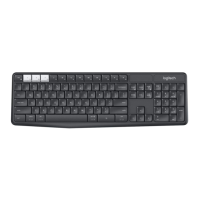
Convenient Easy-Switch™ buttons make it easy to simultaneously connect with up to three
devices via Bluetooth® wireless technology and instantly switch among them.
The OS-adaptive keyboard automatically remaps keys for the selected device so you’re always
typing on a familiar keyboard with favorite hotkeys where you expect them.
Logi Options+
In addition to optimizing the keyboard for your preferred operating system, the software lets you
customize the K380 to fit your individual needs and personal style.
K380 AT A GLANCE
to connect and select devices
Show state of Bluetooth connection


 To Next Page