Connect with multiple devices
1. Select the Bluetooth
®
channel you
want and press and hold the Easy-Switch
button for three seconds.
2. Bluetooth
®
discovery will start with a fast
blinking white LED on the Easy-Switch
button.
3. On your device, make sure your Bluetooth
®
is on. Select Settings > Bluetooth
®
> On.
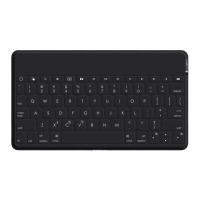
4. Select “Keys-To-Go 2” from the device list.
Switch connection between multiple devices
previously connected
Short press the corresponding Easy-Switch
button to switch keyboard connection
topreviously connected devices.
1 3
EASY-SWITCH
3 sec.
7English




 To Next Page