20
English
Logitech
TM
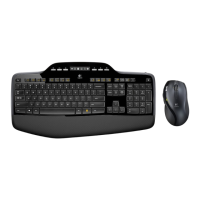
Wireless Desktop MK700
Troubleshooting
Areyouexperiencingsloworjerkycursormovement?Try the mouse on a
different surface (e.g., deep, dark surfaces may affect how the cursor moves on
the computer screen).
For additional help, refer to the Customer Support telephone numbers on separated sheet.
Also visit www.logitech.com/comfortfor more information about using your product,
and for ergonomics.
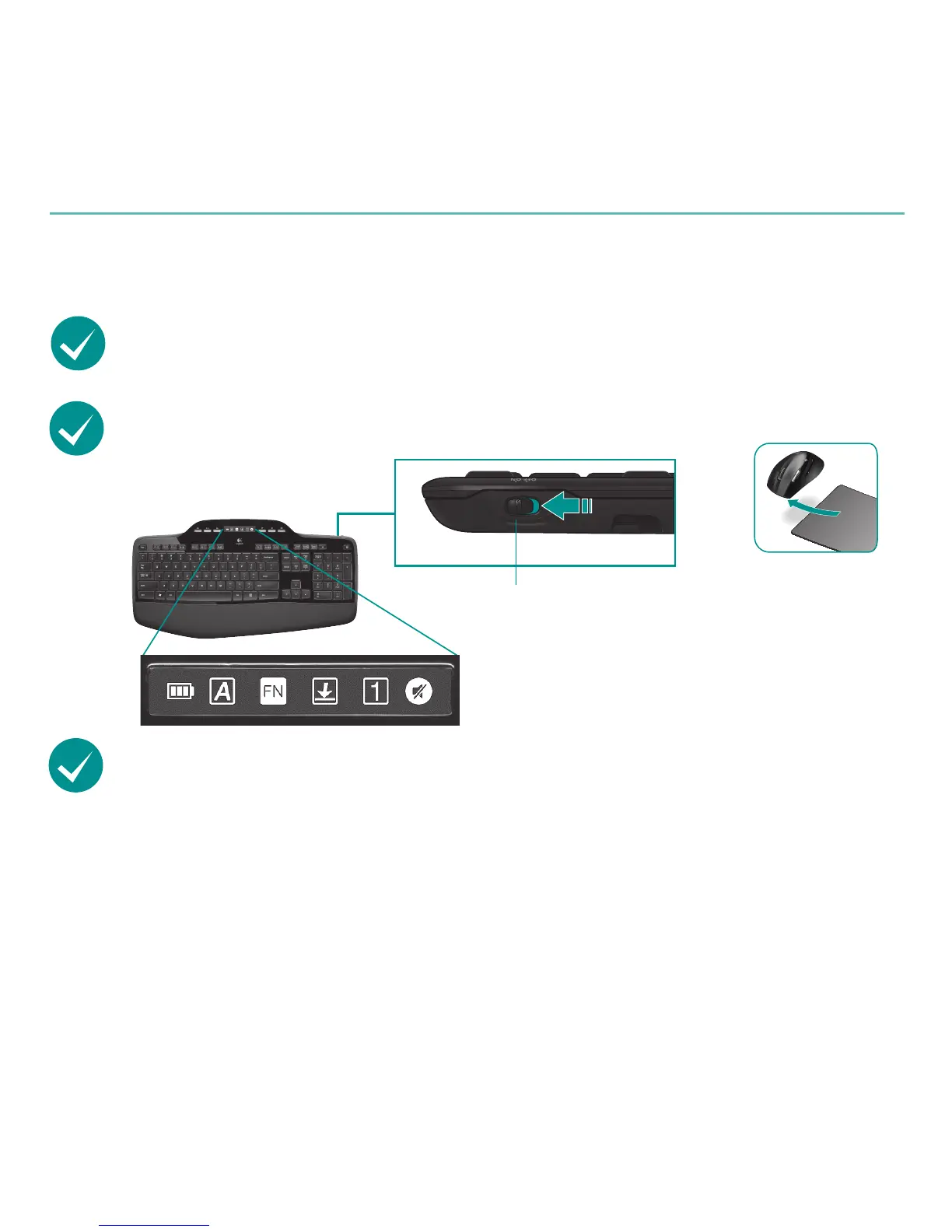
Isthekeyboardturnedon?Slide the keyboard Off/On switch to
the On position, as shown in the image below. The keyboard Status
icons should light up.
ON
Status icons
Re-establishyourwirelessconnection
Please download the Logitech Connect Utility software:
http://www.logitech.com/connect_utility
Tip If you have already installed SetPoint on your computer, do the following:
Open the Logitech Connect Utility:1.
C:\ProgramFiles\Logitech\SetPoint\Connect.exe
Follow the on-screen instructions.2.








 To Next Page