English
1
1
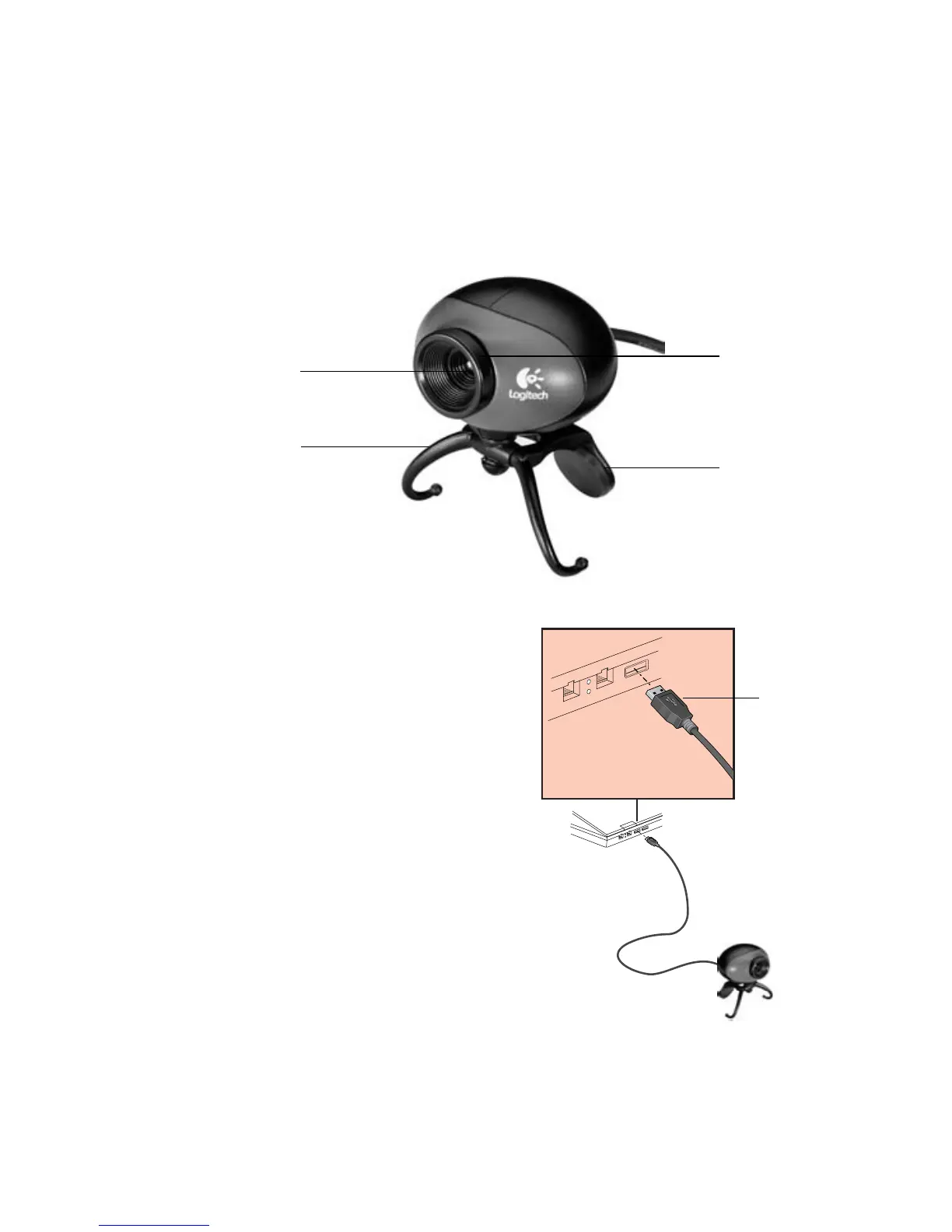
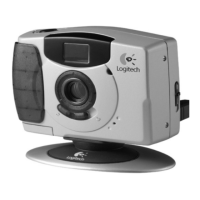
Camera Features
2
Set Up the Camera
1.
Install software first and follow on-screen
instructions.
2.
When prompted to connect camera cable
to USB port, do the following:
• Insert camera cable into computer’s
USB port.
• Complete software and hardware
installation.
3.
Pivot notebook mount so camera rests
on notebook screen.
Lens
Integrated notebook
mount tripod stand
(pivots up to protect lens
when camera is stored)
Lens cover
Focus ring
USB connector





 To Next Page