2
English
3
Launch the Software
1.
Click camera icon on Windows
®
Quick Launch Bar (not available in Windows
®
XP).
Or
2.
Click Start on Windows
®
Taskbar, and then select Programs\Logitech
®
QuickCam
®
\Launch Logitech
®
QuickCam
®
.
4
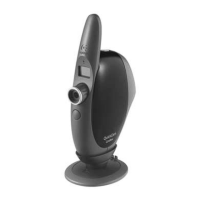
Position the Camera
1.
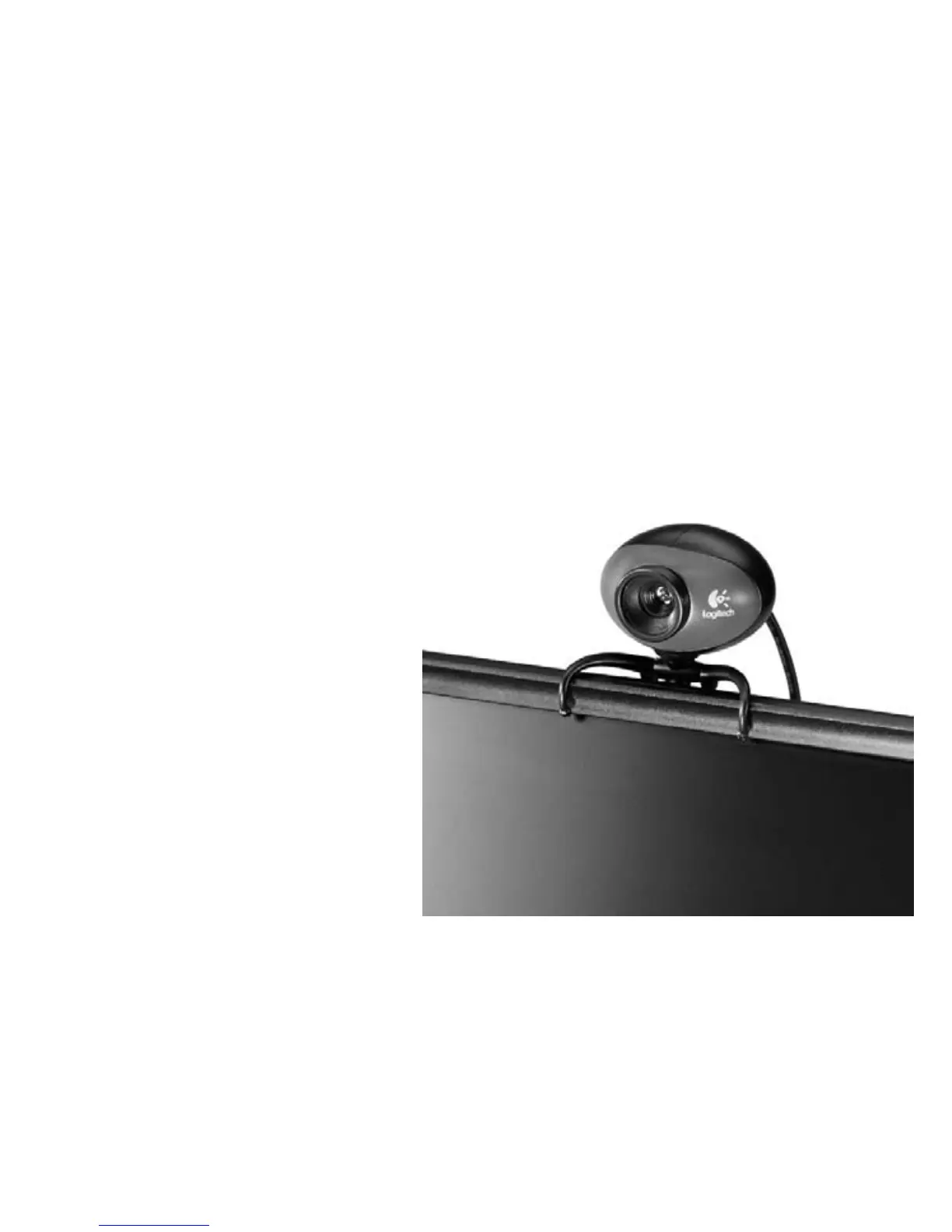
Mount camera on note-book
as shown in picture.
2.
Camera can also be placed on
a tabletop, or held in your hand
to snap a picture or video.
3.
Rotate focus ring to get a sharp
image.
4.
Pivot or rotate camera head for
the best picture.
5.
View live video to guide
your focus adjustments.





 To Next Page