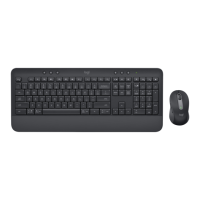
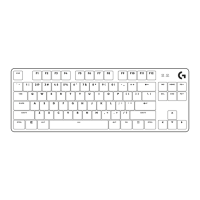
ON
ON
GETTING STARTED
Connect your keyboard and mouse to your device
Choose how you want to pair your keyboard
toyourdevice. You have 2 options:
Option 1: Through our Logi Bolt receiver
Option 2: Through direct Bluetooth
®
Low Energy (BLE) connection
To pair through Logi Bolt receiver:
STEP 1:
Take the Logi Bolt receiver from
the packaging tray that was holding
your keyboard.
IMPORTANT: Don't remove the pull-tabs from
yourkeyboard yet.
STEP 2:
Insert the receiver into any available USB port
onyour desktop or laptop.
STEP 3:
Now you can remove the pull-tabs from
the keyboard and the mouse.
The white LED on the rst Easy-Switch key
ofthekeyboard and mouse will start blinking.
STEP 4:
Set the right keyboard layout for your computer
operating system:
Long press for 3 seconds the following shortcuts
toset it up for Windows, macOS or ChromeOS.
• Windows: Fn + P
• macOS: Fn+O
• ChromeOS: Fn+C
IMPORTANT: Windows is the default OS layout.
Ifyou are using a Windows computer you can
skipthis step. Your keyboard and mouse are now
ready touse.
fn
P
Cfn
O
fn
Windows
macOS
ChromeOS
3 sec.
4English


 To Next Page
 Loading...