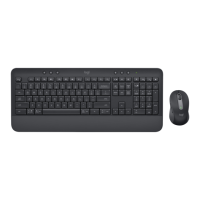
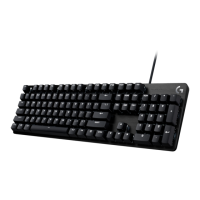
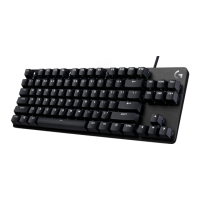
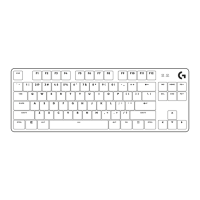
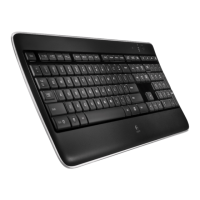
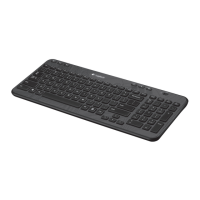
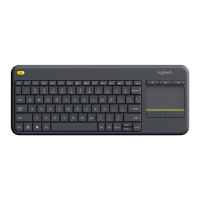
KEYBOARD FUNCTIONS
You have a full range of useful productive tools on
yourkeyboard that will help you save time and work faster:
F-Row Keys
Main
function
Windows
Escape Brightness down Brightness up
Task view App switch
Dictation*
1
Emoji*
2
macOS
Mission control Launchpad Emoji
Secondary function Fn lock F1 F2 F3 F4 F5 F6
F-Row Keys
Main
function
Windows
Mute mic Previous track Play / Pause Next track Mute volume Volume down Volume up
macOS
Secondary function F7 F8 F9 F10 F11 F12
Hot Keys
Main
function
Windows
Input language
switch
Easy-Switch Calculator
Snipping
tool
Search Screen lock
macOS
Secondary function Insert
Contextual
menu
Scroll lock Screen lock*
3
Most of these keys work without the need of installing soware (Logi Options+), except for:
a. Mute microphone key: Install Logi Options+ for it to work on Windows and macOS as system
mute mic; works out of the box on ChromeOS. It works out of the box on Microso Teams
and Webex on Windows.
b. Calculator key: Install Logi Options+ for it to work on mac; works out of the box on Windows
and ChromeOS.
*1
For Windows: Dictation key needs Logi Options+ App installed to work on Korean. For macOS: Dictation key needs
LogiOptions+ installed to work on Macbook Air M1 and 2022 Macbook Pro (M1 Pro and M1 Max chip).
*2
For Windows: Emoji key needs Logi Options+ App installed for France, Turkey, and Begium keyboard layouts.
*3
For macOS: Screen lock key needs Logi Options+ App installed for France keyboard layouts.
8English


 To Next Page
 Loading...