Appendix C: Updating the Software
The software that powers your Squeezebox Duet is periodically updated
to improve reliability and add new features.
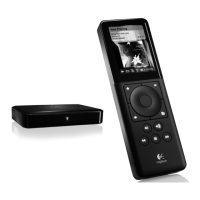
Updating Squeezebox Controller
You’ll see a message on your Controller when a software update is available.
To manually reinstall the software on your Controller, start at the Home
screen and select Settings > Advanced > Software Update > Network
Update.
Updating Squeezebox Receiver
The software on your Receiver is automatically updated; you may see the
button on the front of the unit flash white while the update is happening.
There is no way to manually reinstall the software on your Receiver;
if you believe you need to reinstall the software, please contact Logitech
Technical Support.
Updating SqueezeCenter
SqueezeCenter is periodically updated. When a new version is available,
an announcement will appear on the SqueezeCenter interface. You can also
be notified of new versions by joining the mailing list at slimdevices.com,
look under Community > Newsletter for the subscription form.


 To Next Page