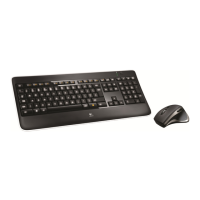
Logitech Wireless Performance Combo MX800
10 English
Troubleshooting
Mouse
No pointer movement?
1. Slide the mouse’s O/On switch to O and then On. The mouse’s
battery status indicator LEDs should light up.
2. Confirm that the mouse is charged and battery polarity is correct.
The battery status indicator is red when the battery is low.
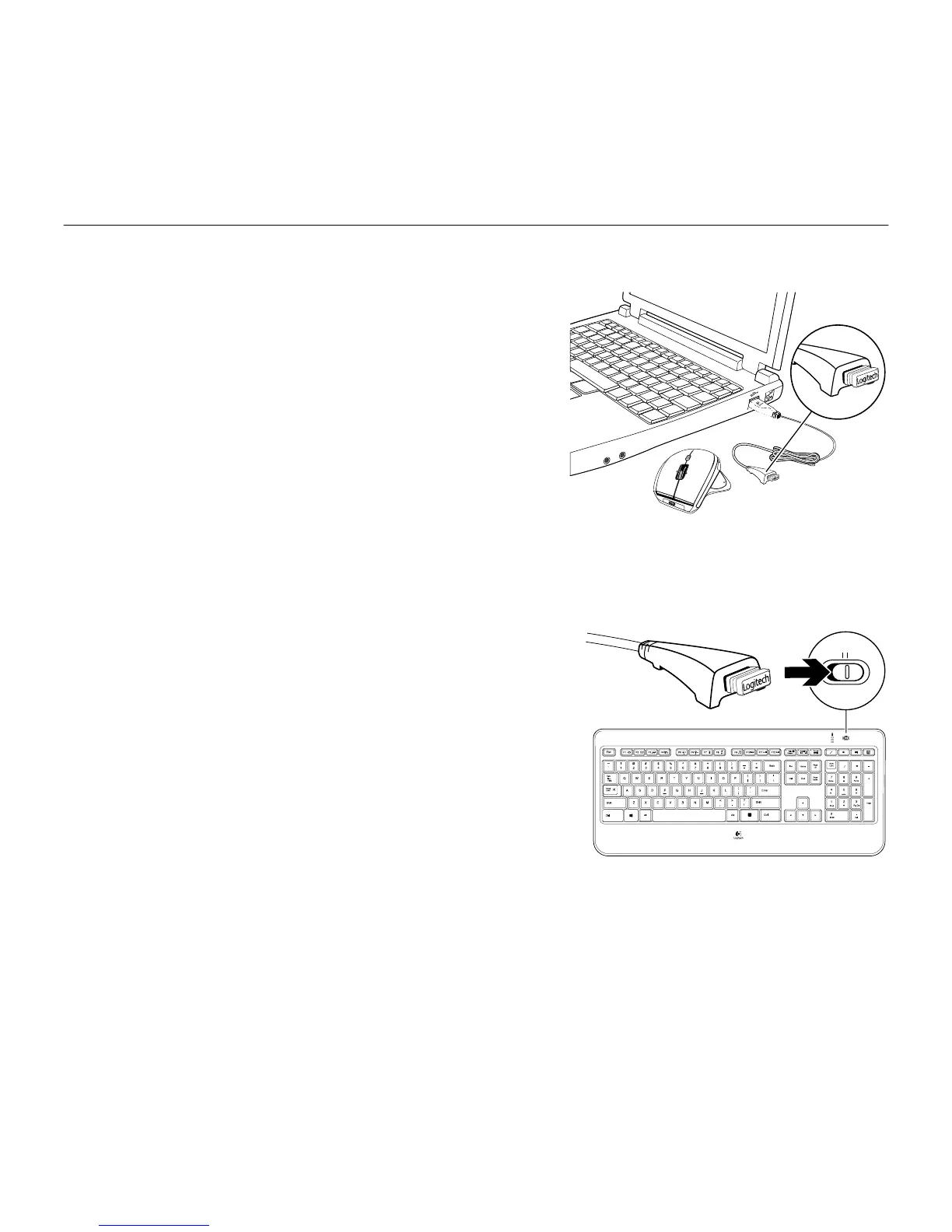
3. Try plugging the Unifying receiver into another USB port.
4. Try reconnecting the mouse and Unifying receiver using the
Logitech Unifying software (see the Unifying section).
Erratic pointer movement or missed button clicks?
1. Remove metallic objects between the mouse and
Unifying receiver.
2. If the Unifying receiver is plugged into a USB hub, try plugging it directly into your computer.
3. Move the Unifying receiver closer to the mouse by using the included receiver extender cable.
Keyboard
Keyboard not working?
1. Slide the keyboard’s O/On switch to O and then On. The
keyboard’s battery status indicator LEDs should light up.
2. Confirm that the keyboard is charged. The battery status indicator is
red when the battery is low.
3. Try plugging the Unifying receiver into another USB port.
4. Move the Unifying receiver closer to the keyboard by using the
included receiver extender cable.
5. Try reconnecting the keyboard and Unifying receiver using the
Logitech Unifying software (see the Unifying section).
6. Restart the computer.



 To Next Page