05
Any measurement done by this product is for personal reference only. It is
very dangerous for a patient to conduct self-diagnosis and self-treatment
based on measurements only. Please be sure to follow your doctor’s
instructions.
Warning
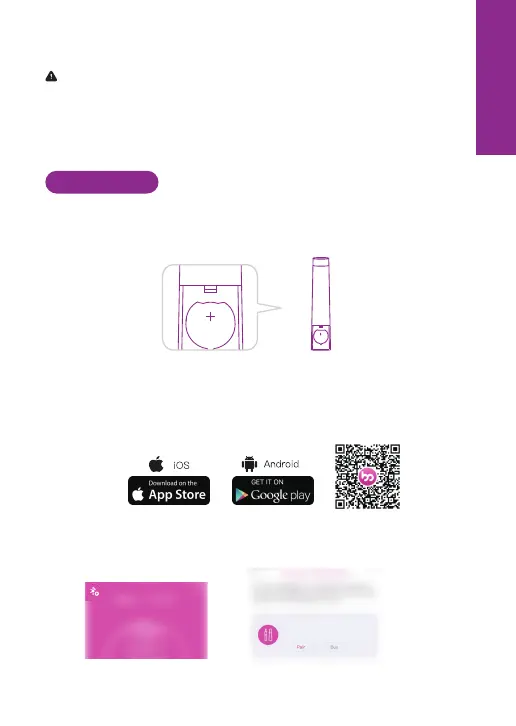
Step 1: Remove the battery cover. Install the button cell in the direction as
indicated. When you hear a beep, it indicates that the battery has been
inserted successfully. Put the battery cover back in place.
(Note: The measurement results can be seen by the instrument display, the
comparison APP is not mandatory.)
Step 2: Download the Femometer App
Scan QR code with phone camera or search for Femometer in App store or
Google Play.
6. How to use
CR2032
Step 3: Pair IVY
Create an account in App, click the top left icon on the home page. Pair the
IVY.
Femometer Ivy 102
Suitable for all. Femometer lvy 102
can make accurate forecasts of ...
EN



 To Next Page