You could pay for it afterward if you like it.
Setup
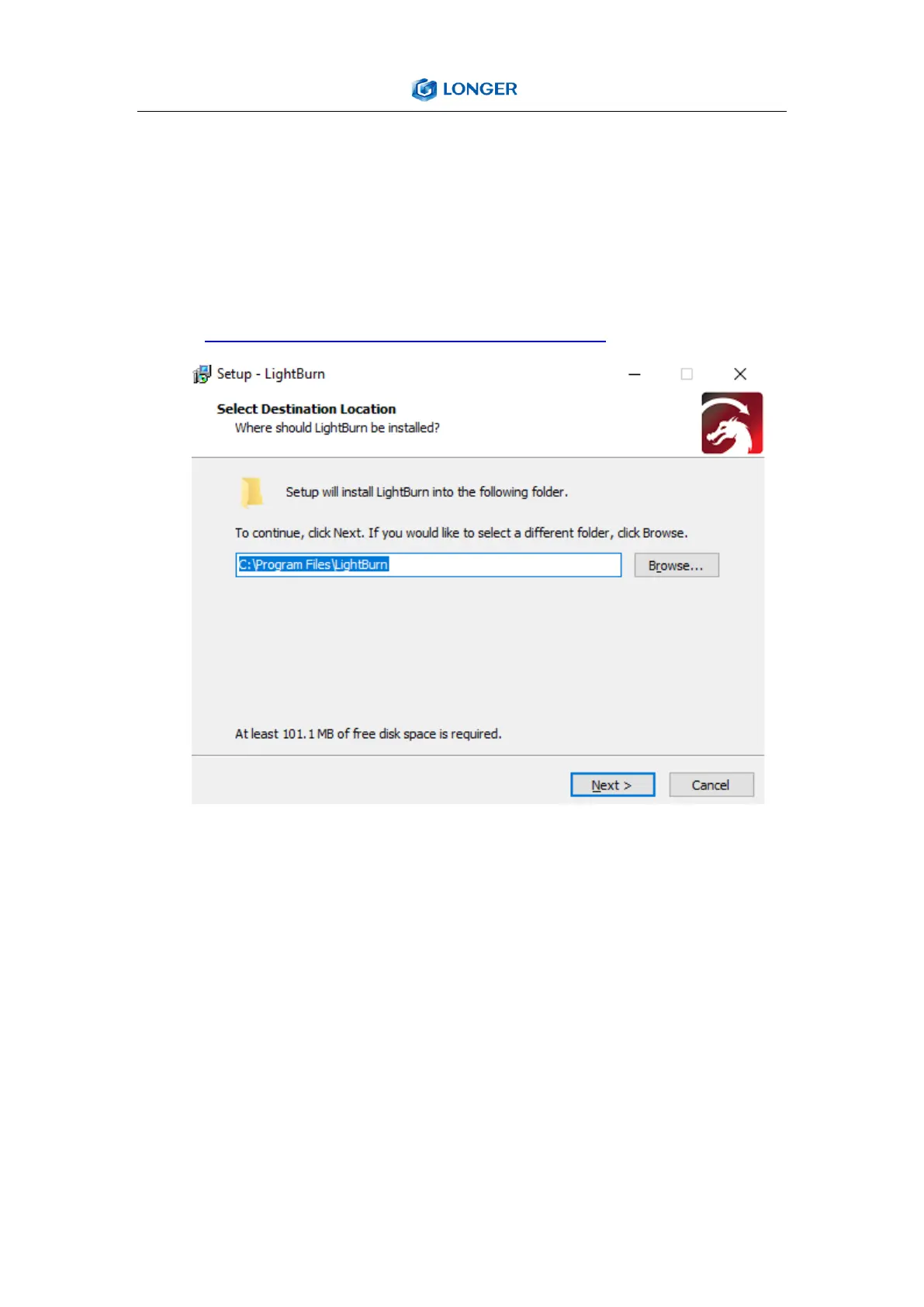
a) Find Lightburn software in SD card(path: /software) came
with the package. Or just download from the link:
https://lightburnsoftware.com/download/
b) After installing Lightburn, power up the LASER B1, press the
Power Switch button, and connect the laser engraver and
computer via USB cable.
c) For the first time launching LightBurn, it will prompt a “New
Device Wizard” for help you setup machine.
Click “Create Manually”



 To Next Page