www.longer3d.com info@longer3d.com
f) Fill your Device Name, X, Y axis, then click “Enter” button
Name: LASER B1
X = 450
Y = 440
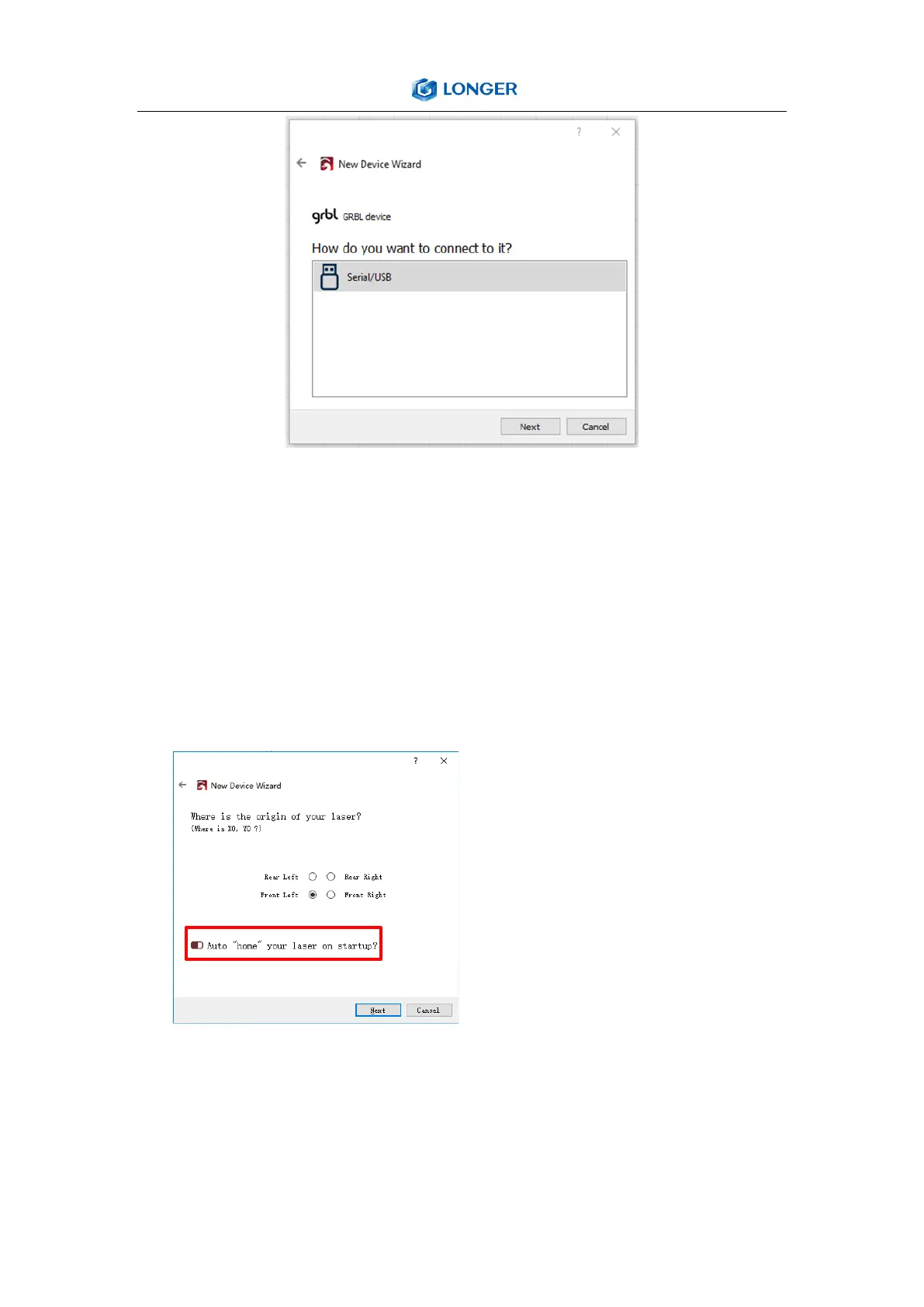
g) Select “Front Left” as your Origin X,Y and activate “Auto
‘Home’”, then click “Next” button.
The automatic home function is
turned on by default, if you do
not want the engraver to
automatically home when
power on, it is recommended to
turn off this function.
h) Select LASER B1 and press Make Default. Your LASER B1 is
ready to be used in LightBurn software.



 To Next Page