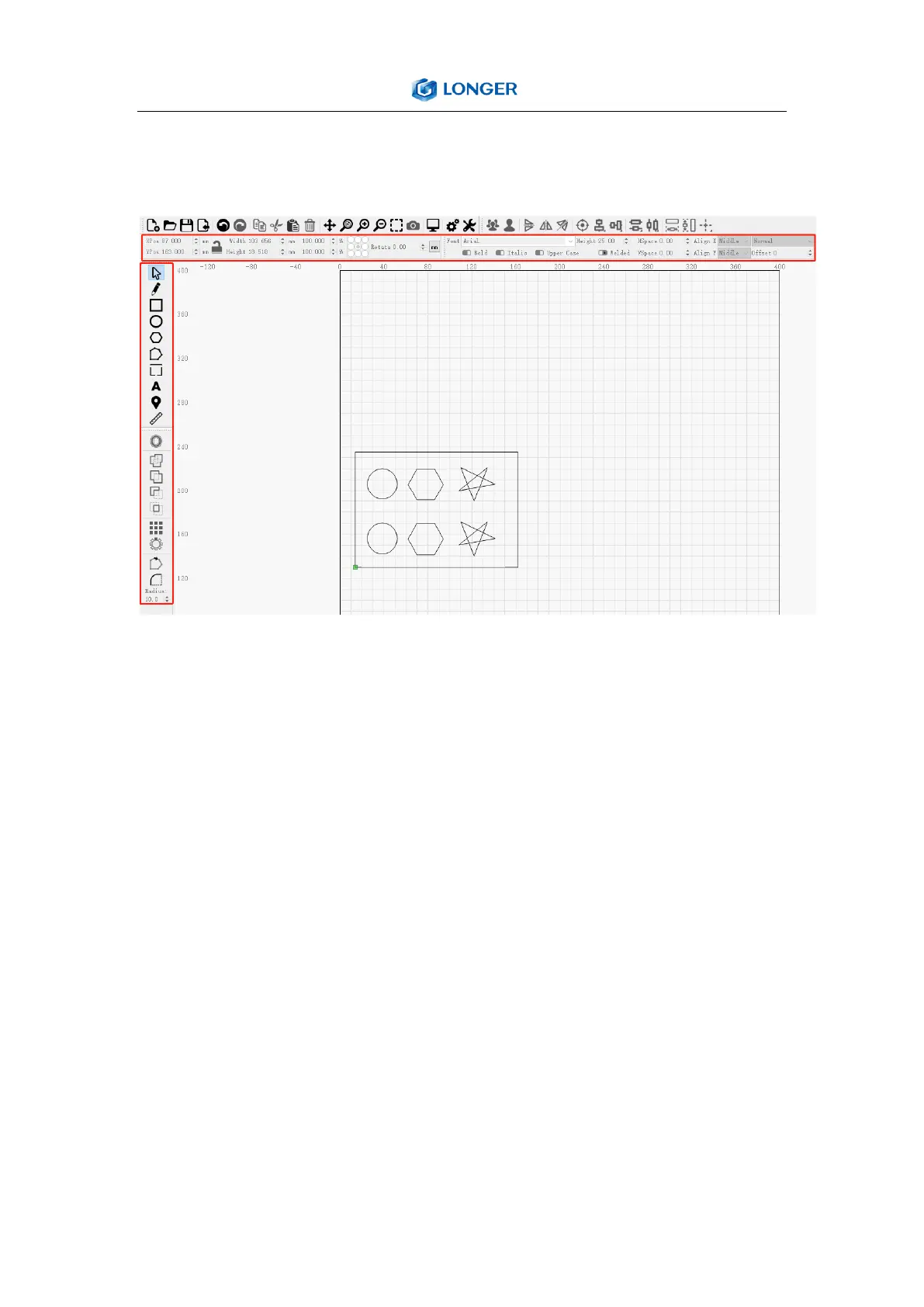
c) Click Menu “File” >> “Import image from disk.” Or just use
draw tool on left column to design your own pattern.
d) Set the name, speed, maximum power, mode, and other
parameters in the cutting/layer; (engraving function and
cutting function are only different in speed, power. Normally,
the cutting speed parameter is slower).
e) After placing the board under the laser, click Frame to check
the laser path whether is completely inside of the board.



 To Next Page