Note: To use APP for engraving, it needs to insert the SD card into
the motherboard firstly to ensure that the data can be received
normally; otherwise it will prompt upload error.
g) Control the engraving machine through the web page
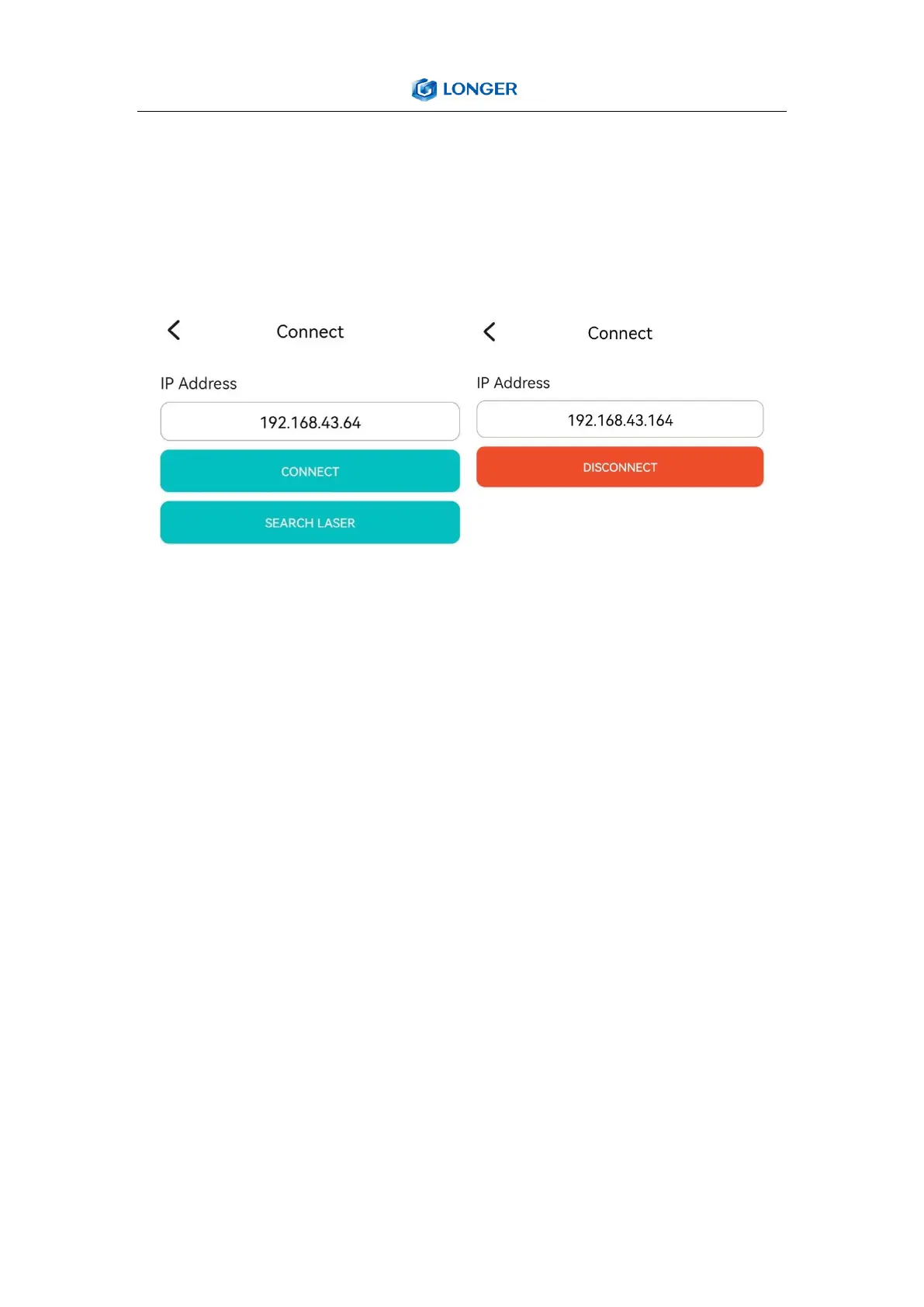
When the LASER B1 engraver is connected to wifi, we will get an IP
address, click the connect button in the upper left corner of the APP,
enter the IP address, and click CONNECT.



 To Next Page