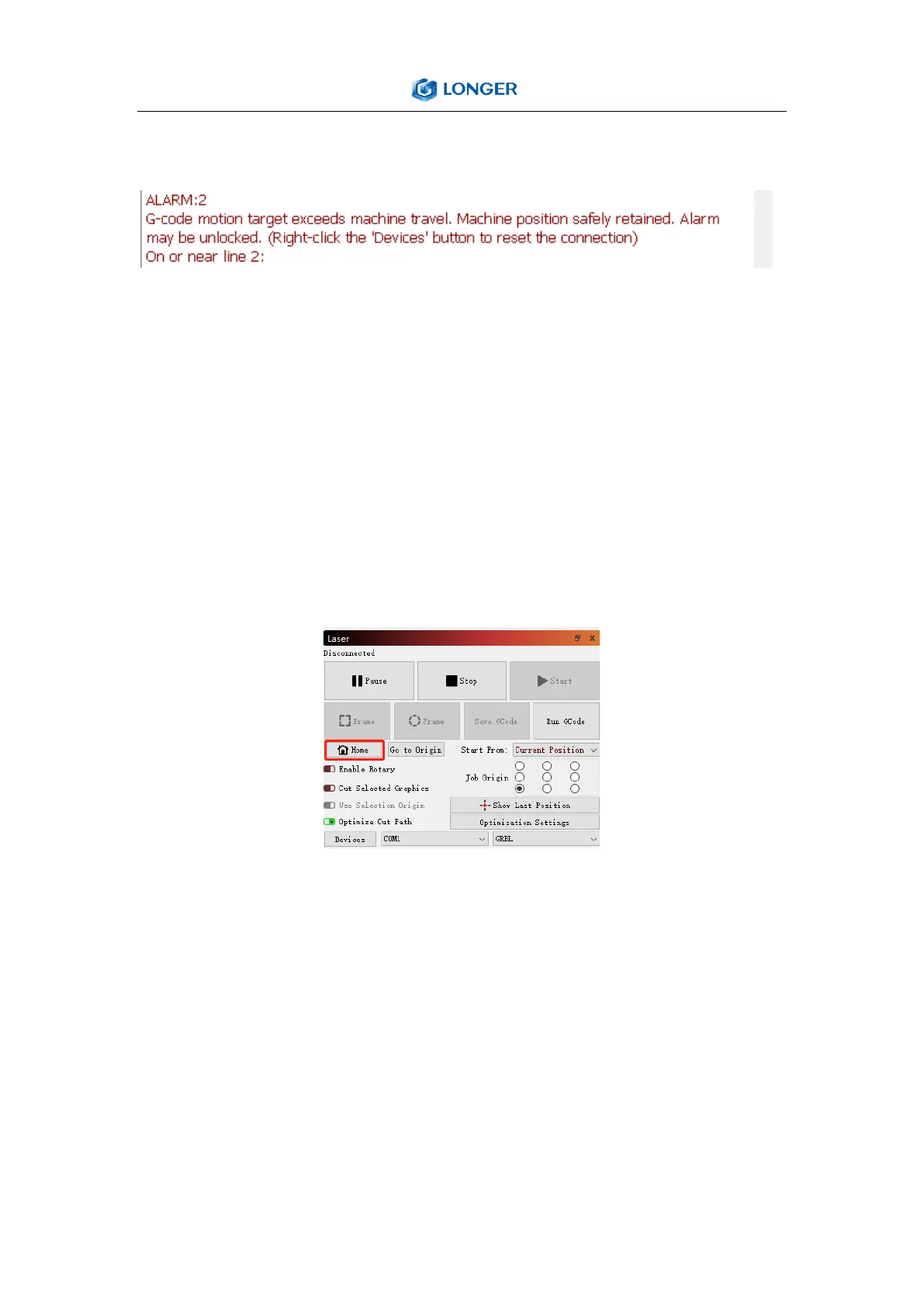
Question 5: How to solve alarm 2 error or hard limit?
It adds two limit switch in LASER B1 laser engraver, the firmware has
hard limit and soft limit features to locate the laser module position
precisely. The position of the laser module is assumed to be the
home position by default when powered on. So the engraver will
trigger the alarm 2 or hard limit error if the laser head is moved in
the X or Y negative direction at this time. Then it needs to home the
engraver as shown in the picture below.
Question 6: How to solve the upload error of the APP?
To use APP for engraving, it needs to insert the SD card into the
motherboard firstly to ensure that the data can be received
normally; otherwise it will prompt upload error.



 To Next Page