and display their status.
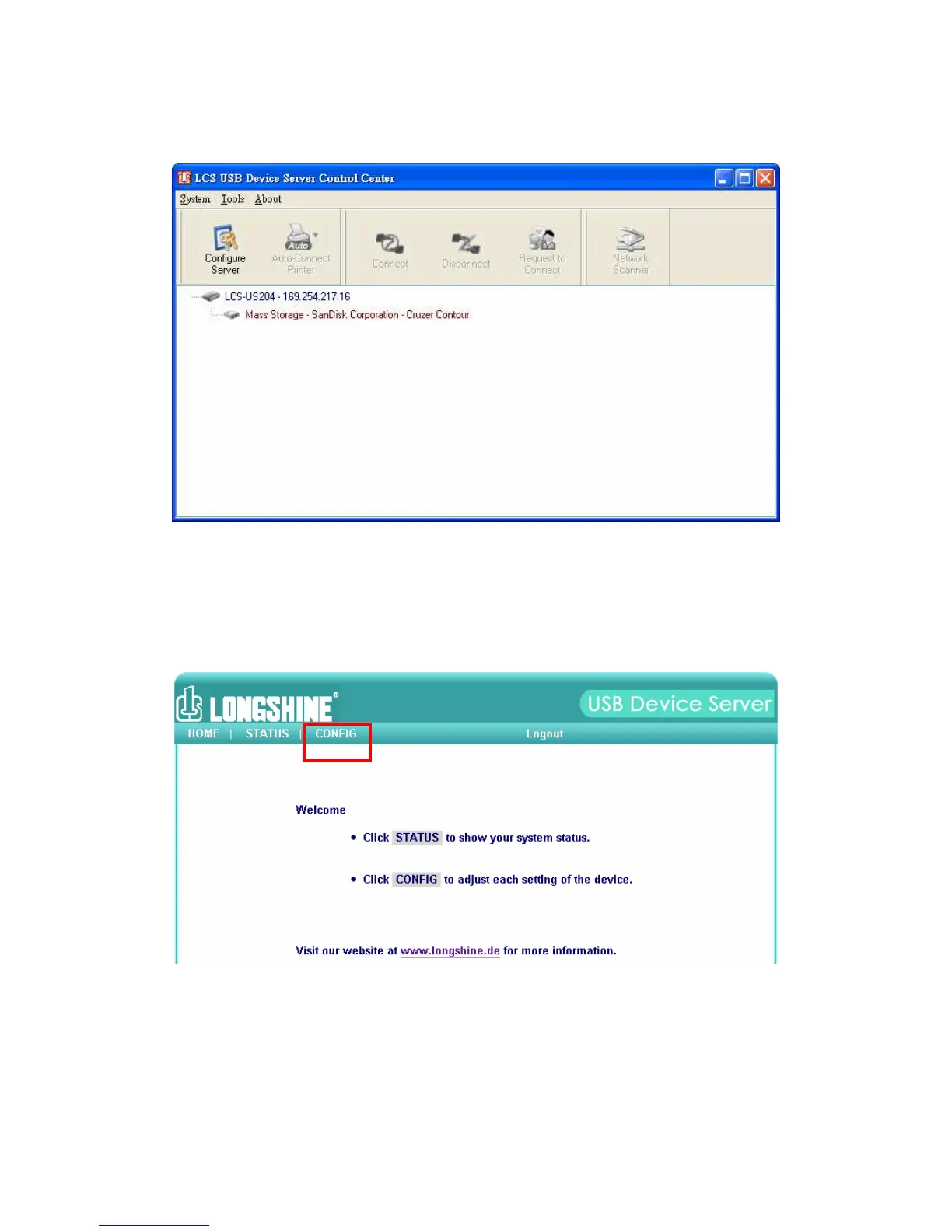
Figure 1 Control Center
2. Select the server that you want to configure. Double click the
selected server and you will get the web pages of the server.
Figure 2 Web Page
3. Click “CONFIG” icon and then enter Administrator (default: admin)
and Password (default: admin) to login.
4.
Assign IP address to USB device server as Fig3. Please choose one



 To Next Page