EasyManua.ls Logo

Lonove MD751 - User Manual

Lonove MD751
6 pages
Print Icon
To Next Page IconTo Next Page
Loading...
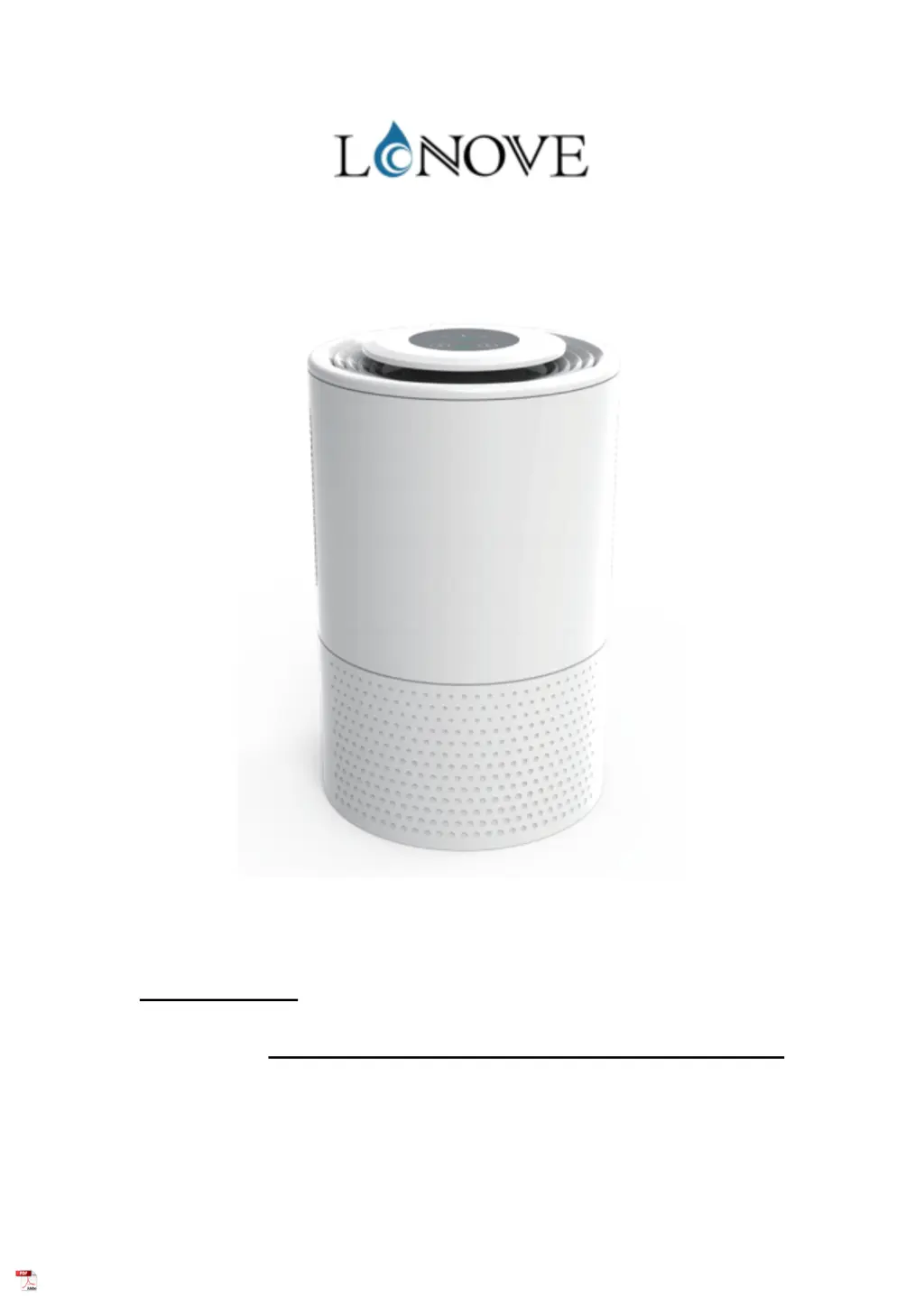
DEHUMIDIFIER USER MANUAL
MODEL:MD751
WELCOME
! PLEASE READ THIS INSTRUCTIONS CAREFULLY AND KEEP FOR FUTURE REFERENCE.

Questions and Answers

  • L
    Lonnie WhiteAug 10, 2025
    What to do if the green LED is flashing on my Lonove MD751?
    • D
      Donna MannAug 10, 2025
      If the green LED is flashing on your Lonove Dehumidifier, it could mean that the water tank is full or not positioned correctly. Empty the water tank and ensure it is placed in the correct position. Alternatively, the float might be jammed. Press the float and replace the water tank to resolve this issue.
  • R
    Ryan JenningsAug 25, 2025
    Why is my Lonove MD751 Dehumidifier not working?
    • L
      Linda BradfordAug 25, 2025
      Your Lonove Dehumidifier might not be working due to several reasons: * The power supply may be cut off. Ensure the adapter is properly plugged in. * The DC power socket might be loose. Check the DC power socket and power cord to ensure they are well connected. * The air outlet could be blocked. Maintain a minimum clearance of at least 10cm around the dehumidifier during operation.

Lonove MD751 Specifications

General IconGeneral
BrandLonove
ModelMD751
CategoryDehumidifier
LanguageEnglish