Lonza • 1200 Lower River Road, P.O. Box 800 • Charleston, TN 37310-0800 • 1-800-4-PULSAR
7
rev.3 (3/12/14)
General Principles of The Pulsar
®
140
Test Operation of Electronic
Switches:
Note: Close inlet and outlet valves.
Before start up, lift the briquette screen out of the
hopper and set aside on a clean surface. Plug the
power cord from the Pulsar
®
140 controller into a
dedicated 15amp GFCI outlet. The touchscreen
should be illuminated. Lift the hopper off the base.
The lid alarm light will come on. This indicates
that the lid switch is working properly.
Next, with the hopper off, remove the valve plate
and manifolds and place off to the side. Remove
the shield and place to the side. Reach into the
base and lift the safety overflow switch. An alarm
page for High Level should pop up, indicating
that the switch is working properly. Replace the
shield, valve plate with manifolds and place the
hopper on the base. Next lift the lid. The lid alarm
light should come on.
This concludes the test procedure. Should the
test procedures fail, refer to the Electrical and
Control Panel Set-up section (pages 12-14) for
more information or contact your Dealer for
additional information.
Safety Features
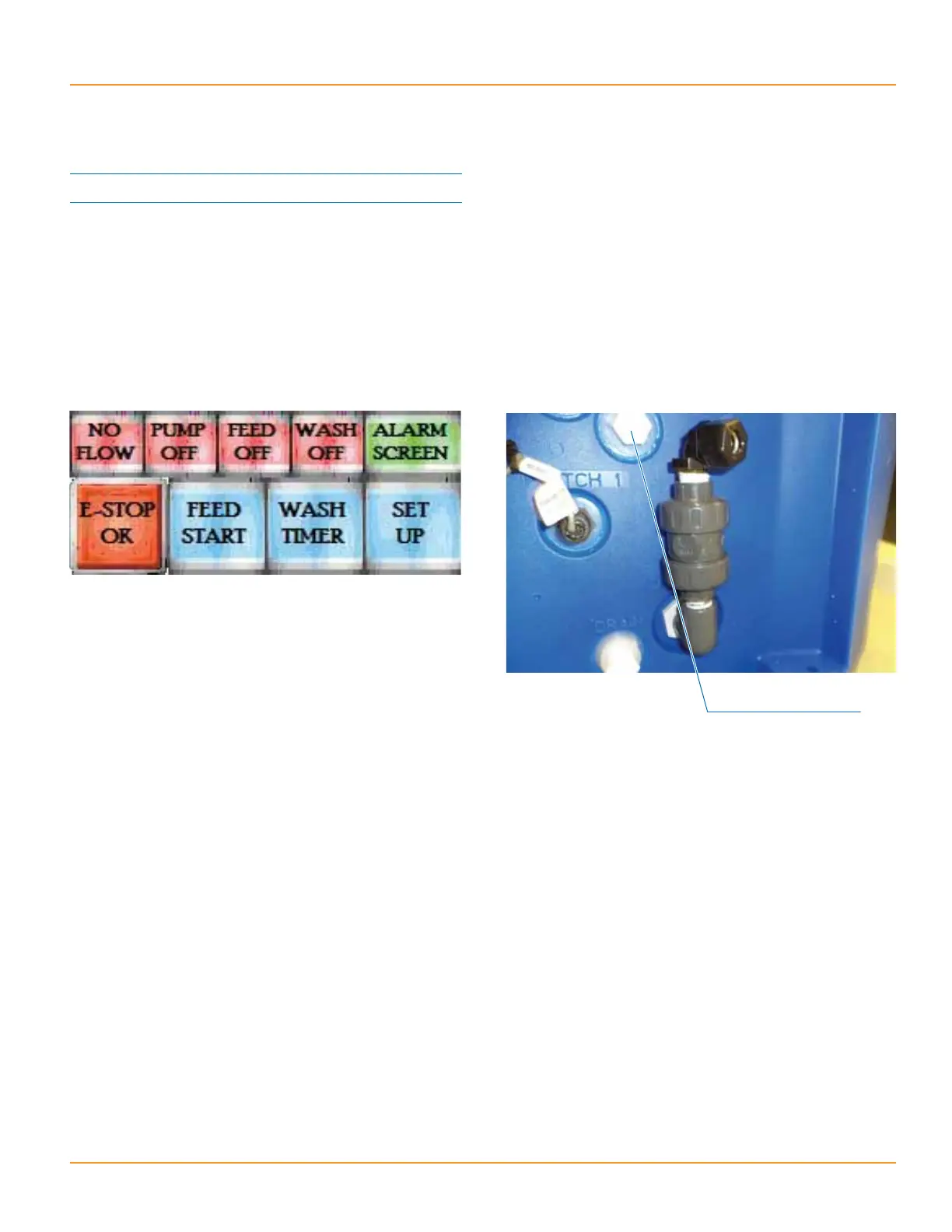
Overflow Port:
In the event that the solenoids fail to close, an
overflow port has been incorporated into the
Pulsar
®
140 design. PVC pipe should be run from
this overflow port to a floor drain. The solenoid
should be checked when an abnormally low or
high chlorine reading is indicated in the pool or
when water is flowing out of the overflow port
through the pipe down to the drain.
Unplug the controller from the outlet or ORP unit
and call the dealer. If water continues to flow
into the chlorinator, the solenoid is stuck open or
water is backflowing through outlet piping.
If flow stops when the controller is unplugged,
the problem is the electronic overflow switch,
or outliet piping allowing water to backflow into
feeder. In either situation, the inlet ball valve
should be closed and the dealer should be
contacted for assistance.
Overflow Port



 To Next Page