EasyManua.ls Logo

Lord MicroStrain Sensing SG-Link-200 - User Manual

Lord MicroStrain Sensing SG-Link-200
52 pages
Print Icon
To Next Page IconTo Next Page
Loading...
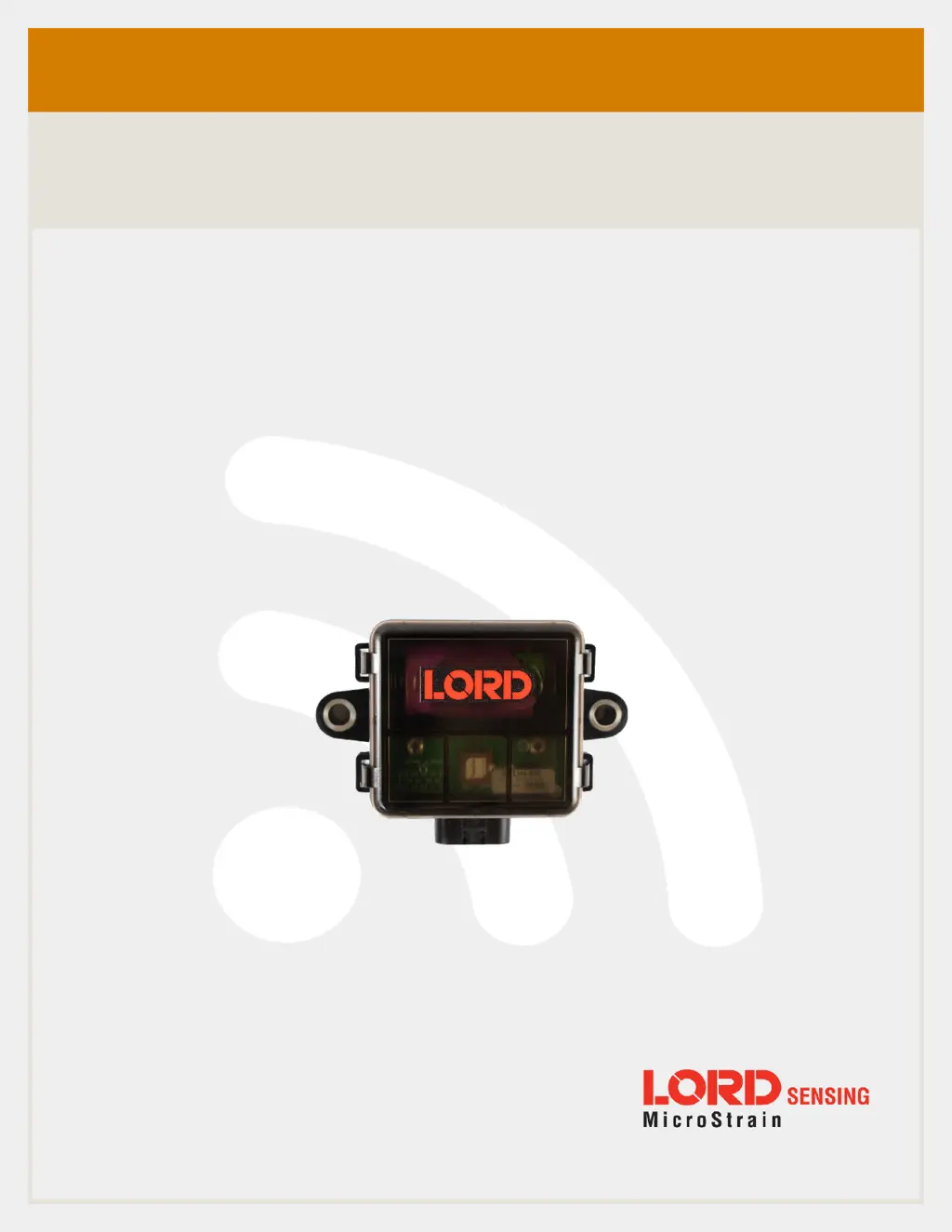
LORD Sensing USER MANUAL
SG-Link
®
-200
Wireless Analog Input Node

Questions and Answers

  • W
    whitegaryAug 5, 2025
    What to do if Lord MicroStrain Network Hardware POWER gateway or node does not power on?
    • D
      Dana DunnAug 5, 2025
      If your Lord MicroStrain Network Hardware gateway or node isn't powering on, first ensure that power is being applied to the device; the status LED should illuminate. Check that the power source is correctly wired and providing the correct voltage, as using the wrong voltage can cause damage or malfunction. If the problem persists, it may indicate that the node is damaged, and you should contact LORD Sensing Technical Support.
  • T
    theresa39Aug 15, 2025
    How to fix communication issues with Lord MicroStrain Network Hardware gateway or node?
    • M
      Martha FerrellAug 16, 2025
      If you're experiencing communication issues with your Lord MicroStrain Network Hardware gateway or node, check the following: * Ensure both the node and gateway are powered on, with power switches activated. * Verify the node is within the gateway's range by performing a bench test in close proximity. * Confirm the node is in idle mode by using the 'Set to Idle' command in the software. * Check that the node is on the same channel as the base station; if not, use the software to move the node to the correct frequency.
  • A
    Amy TranAug 26, 2025
    What to do if Lord MicroStrain Sensing SG-Link-200 sensor data is missing?
    • S
      Sarah RobbinsAug 26, 2025
      If sensor data is missing from your Lord MicroStrain Network Hardware, consider the following: * Check if the node is in sampling mode by observing the 'node state' in the diagnostic data (it should be in RUN mode, not IDLE or SLEEP). * Ensure the node is within adequate signal range by monitoring the RSSI in the diagnostic data. * If using synchronized sampling, verify that the beacon is enabled on the WSDA gateway and that the node is within good communication range. * Check for a low battery flag in the diagnostic data, as low power can cause missing data.

Summary

1. Wireless Sensor Network Overview

2. Node Overview

2.1 Configuration Options

2.2 Interface and Indicators

2.3 Node Operational Modes

3. Connect to Gateway and Nodes

3.1 Software Installation

Instructions for installing the SensorConnect software required for node operation.

3.2 Connect to Gateway

3.3 Connect to Nodes

i. Automatic Node Discovery on Same Frequency

How nodes on the same frequency are discovered automatically by the gateway.

ii. Automatic Node Discovery on Different Frequency

Procedure for discovering nodes operating on different radio channels.

iii. Manually Add Node

Steps to manually add a node to the network by entering its address and frequency.

4. Wireless Sensor Configuration

4.1 Hardware Configuration

Details the hardware settings like excitation voltage, input range, and low pass filter.

4.2 Calibration Configuration

4.3 Sampling Configuration

4.4 Power

5. Wireless Sensor Sampling Configuration

5.1 Start Collecting Data

Instructions for initiating data collection from a single sensor or a network of nodes.

5.2 Network Options

5.2 Derived Output Channels

5.4 Sampling Operations Options

5.5 Output Operation

6. Data Handling

6.1 SensorCloud

6.1.1 Connect to SensorCloud

Steps for logging in or registering a new user account on the SensorCloud website.

6.1.2 Navigating Menus

Overview of the SensorCloud interface views and navigation.

6.2 SensorConnect

6.2.1 Using Dashboards and Widgets

How to create dashboards and widgets to view sampled data in SensorConnect.

6.2.2 Navigating Graphs

Instructions on using mouse controls to navigate and adjust graphs within SensorConnect.

6.2.3 Widgets Options

6.2.4 Time Series Widget Menu

6.2.5 Exporting Data Files

7. Installation

7.1 Mounting Recommendations

Guidelines for mounting the node, including fastener types and orientation.

7.2 Range Test

8. Troubleshooting

8.1 Troubleshooting Guide

A structured guide to identify potential causes and solutions for device issues.

8.2 Updating Node Firmware

8.3 Repair and Calibration

9. Specifications

a. Physical Specifications

Dimensions, weight, and connector information for the SG-Link-200.

b. Operating Specifications

10. Safety Information

a. Powering the Node

Safety precautions related to the power source requirements for the node.

b. ESD Sensitivity

Information regarding the node's sensitivity to Electrostatic Discharge (ESD).

d. Radio Specifications

11. References

Product Ordering

a. Related Documents

12. Glossary

Lord MicroStrain Sensing SG-Link-200 Specifications

General IconGeneral
CategoryWireless Sensor Node
Operating Temperature-40°C to +85°C
Wireless ProtocolIEEE 802.15.4
EnclosureIP67
Operating Frequency2.4 GHz
RF Data Rate250 kbps
ProtocolIEEE 802.15.4
Ingress ProtectionIP67
Sensor CompatibilityStrain Gauges, Accelerometers
InterfaceDigital and Analog

Related product manuals