6
will at once shoot photos or record videos when game or other objects
enter the PIR area of the sensor directly.
3.ADVANCED SETTINGS
The Loreda camera comes with preset manufacturer settings. You can
change the settings to meet your requirements. Please make sure the
camera is in the test mode.
3.1 Parameter Settings
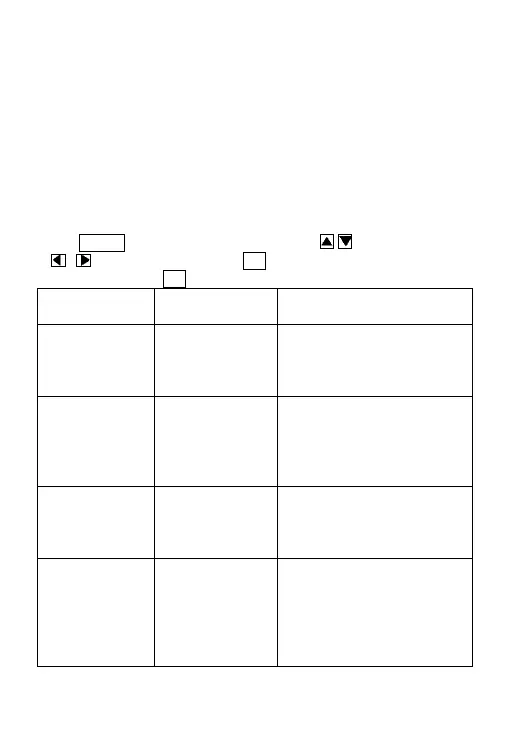
Press MENU key to enter/exit the menu. Press , to move the marker,
, to change the setting, and OKto confirm the change. Always
remember to press OK to save the changes.
Parameter
Settings
(Bold = default)
Description
Mode
Camera,
Video,
Camera+Video
Select to take photos or
videos. In Camera+Video
mode, first take photos and
then video.
Format Enter
All files will be deleted after
formatting the SD card. Highly
recommend you format the
SD card if it has been used
previously in other devices.
Image Size
12MP, 5MP,
1.3MP
Select desired resolution for
photos from 1.3 to 12
megapixels. 12MP is
recommended.
Video Size
1280×720
640×480,
320×240
Select video resolution (pixels
per frame). Higher resolution
produces better quality
videos, but creates larger files
that take more of the SD card
capacity. 1280×720 is HD


 To Next Page