
 Need help?
Do you have a question about the Louvolite One Touch 5 and is the answer not in the manual?
Select a channel and follow motor pairing instructions using SETTING and CONFIRM buttons.
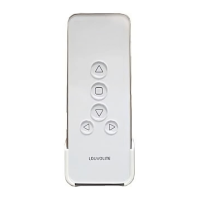
Use UP and DOWN buttons to move the blind, and STOP to hold it at the desired position.
Hold LIMIT and press STOP to change the motor's direction of movement.
 General
| Brand | Louvolite |
|---|---|
| Model | One Touch 5 |
| Category | Remote Control |
| Language | English |

 To Next Page
