10
2.3
mg/l Cl F
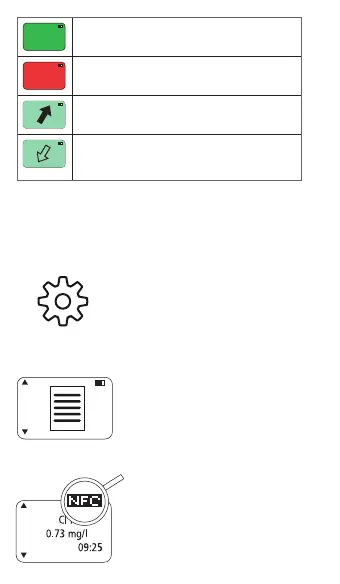
Indication of globally accepted measuring
range for safe swimming.
4.2
mg/l Cl F
Indication of too low or too high
measuring range for safe swimming.
over range (Value is too high).
Press Test key to confirm and go back.
under range (value is too low to be
detectable).
Press Test key to confirm and go back.
Attention: Please follow local regulations and
recommendations provided by your chemicals providers to
know ideal concentrations for your pool.
7. Settings
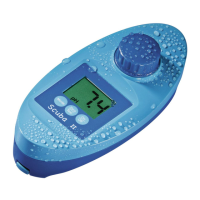
Scuba3s settings menu
• When in home menu press Up
key for 3 seconds to enter settings
menu.
• Scroll through the list to see
different setting options.
• Press Test key to enter sub-menu.
7.1 Results
• The latest results will be shown on
screen.
• Scroll up or down to see next
results.
• Press Back key to go back to main
settings menu.
7.2 Transfer Results
• The instrument shows NFC next to
the battery icon.
• Follow instructions from Lovibond
®
PoolAssistant App to receive data.
• Note: All data sets are transferred
from the memory.
30/09/2023



 To Next Page