11
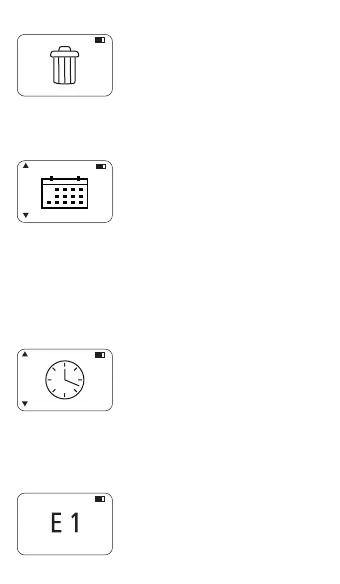
7.3 Delete results
• Press Test key to select the data
delete option.
• Press Test key again to confirm
the action.
• All results will be deleted.
• Note: Make sure to transfer all your
results before deleting.
7.4 Date Setting
• Press Test key to select date
setting.
• Scroll up or down to see other date
formats or press Test key to
confirm.
• Press Up or Down key to
increase/ decrease value.
• Press Test key to confirm value
and move to next entry.
• When the arrow is at last entry,
press Test key to save the date.
7.5 Time Setting
• Press Test key to select time
setting.
• Press Up or Down key to
increase/ decrease value.
• Press Test key to confirm and
move to next entry.
• When the arrow is at last entry,
press Test key to save the time.
7.6 Error Codes
• E1 - Indicates an insufficient light
on detector.
• E2 - Indicates calculation error.
• E4 - Indicates invalid calibration.
• E7 - Indicates method not found.



 To Next Page