EasyManua.ls Logo

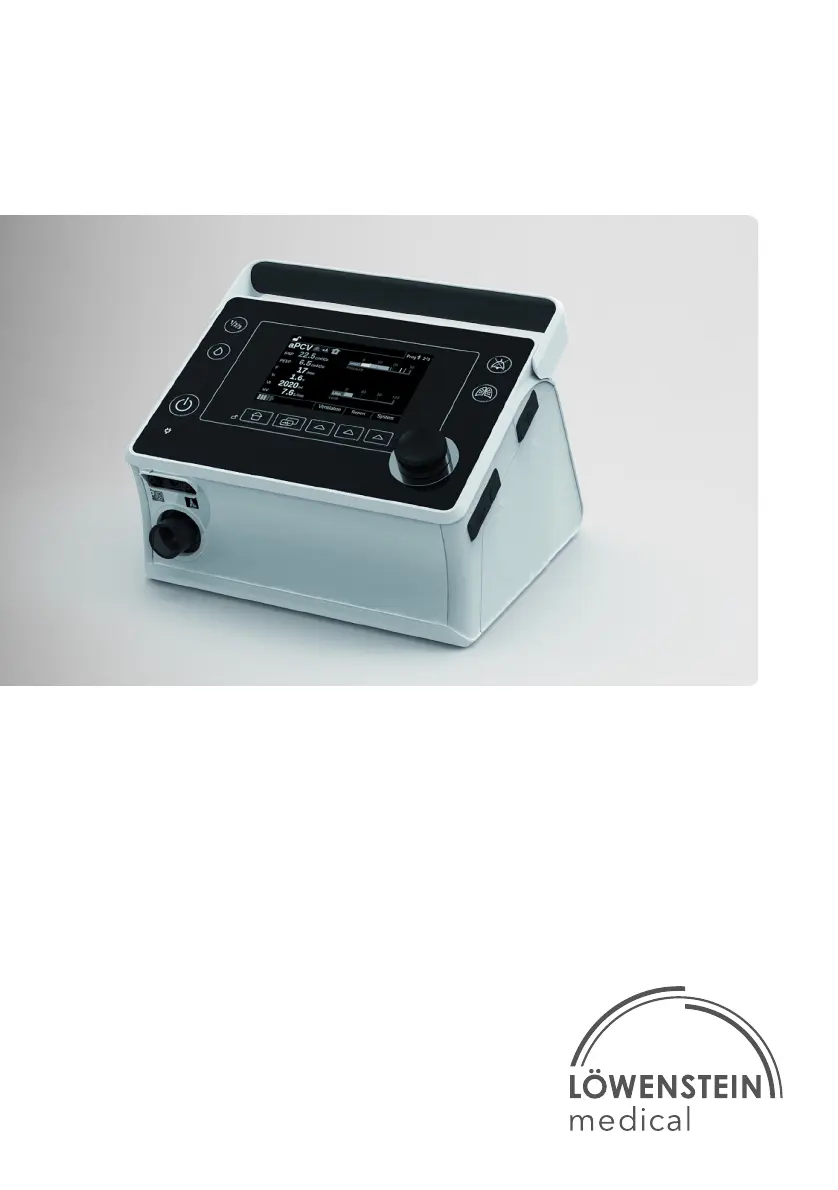
Lowenstein Medical prisma VENT40 - User Manual

Lowenstein Medical prisma VENT40
52 pages
Print Icon
To Next Page IconTo Next Page
Loading...
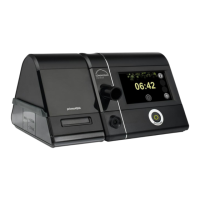
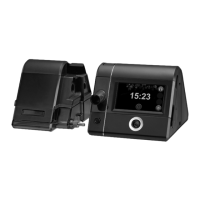
prisma VENT30
prisma VENT30-C
prisma VENT40
prisma VENT50
Ventilators
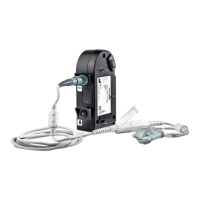
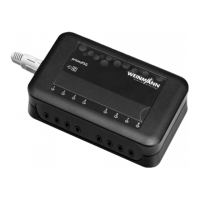
EN Instructions for Use for devices of type WM 110 TD and WM 120 TD

Other manuals for Lowenstein Medical prisma VENT40

Questions and Answers

  • J
    John GriffithAug 7, 2025
    What to do if Lowenstein Medical Fan does not reach the set target pressure?
    • J
      jacksonseanAug 7, 2025
      If your Lowenstein Medical Fan device isn't reaching the set target pressure, there are a few potential causes. First, the air filter might be dirty, in which case you should clean it. If cleaning doesn't help, consider replacing the filter. Another possibility is that the breathing mask is leaking. Try adjusting the headgear to ensure the mask is tight. If the mask is still leaking, you might need to replace it. Finally, the circuit may not be detected properly, so perform a tube test.
  • A
    apierceAug 22, 2025
    Why Lowenstein Medical Fan has no running noise and nothing in the display?
    • F
      fieldswilliamAug 22, 2025
      If your Lowenstein Medical Fan shows nothing on the display and makes no running noise, the issue is likely due to a lack of power supply. Check that the power cord is securely connected to the device. Also, verify that the power socket is functioning correctly.

Summary

Safety

Safety Information

Covers essential safety guidelines for handling the device, components, energy supply, oxygen, and transport.

Warnings in this Document

Explains the meaning and levels of warning symbols used throughout the manual for hazard communication.

Product Description

Control Panel Functions

Details the buttons and controls on the device's interface for navigation and operation.

Display Symbols Guide

Provides a reference for understanding various icons and symbols shown on the device's screen.

Preparation and Operation

Device Setup Procedure

Step-by-step instructions for connecting the device to the power supply and preparing it for use.

Connecting the Breathing Tube

Guides on how to properly attach the breathing tube for leakage or valve ventilation.

Start Therapy

Instructions on how to initiate a ventilation therapy session, including auto-start features.

Ending Therapy and Powering Off

Procedures for safely concluding a therapy session and switching off the device.

Settings in the Menus

System Menu Settings

Details adjustable parameters within the System menu, such as alarm volume, brightness, and device status.

Ventilation Menu Settings

Describes how to adjust ventilation parameters, which vary based on the selected therapy mode.

Hygiene Treatment

Device Cleaning and Disinfection

Detailed procedures for cleaning and disinfecting the main device unit, including filter handling (e.g., air and pollen filters).

Breathing Tube Hygiene

Instructions for cleaning and disinfecting breathing tubes based on their type (leakage, valve, mouthpiece).

Function Check

Performing Function Checks

Step-by-step guide for verifying device functionality, connections, alarms, and battery after maintenance or repair.

Alarms and Faults

Physiological Alarm Causes & Actions

Lists common physiological alarms, their likely causes, and recommended actions.

Technical Alarm Causes & Actions

Lists common technical alarms, their likely causes, and recommended actions.

Troubleshooting Common Issues

Provides solutions for common fault messages and operational problems encountered with the device.

Servicing

Lowenstein Medical prisma VENT40 Specifications

General IconGeneral
CategoryMedical Equipment
TypeVentilator
Modelprisma VENT40
ManufacturerLowenstein Medical
Modes of VentilationCPAP
Pressure Range4-40 cmH2O
HumidificationIntegrated humidifier
Data StorageSD card
ConnectivityUSB
Power Supply100-240 V AC, 50/60 Hz
DisplayLCD
Patient CategoriesAdult

Related product manuals