EasyManua.ls Logo

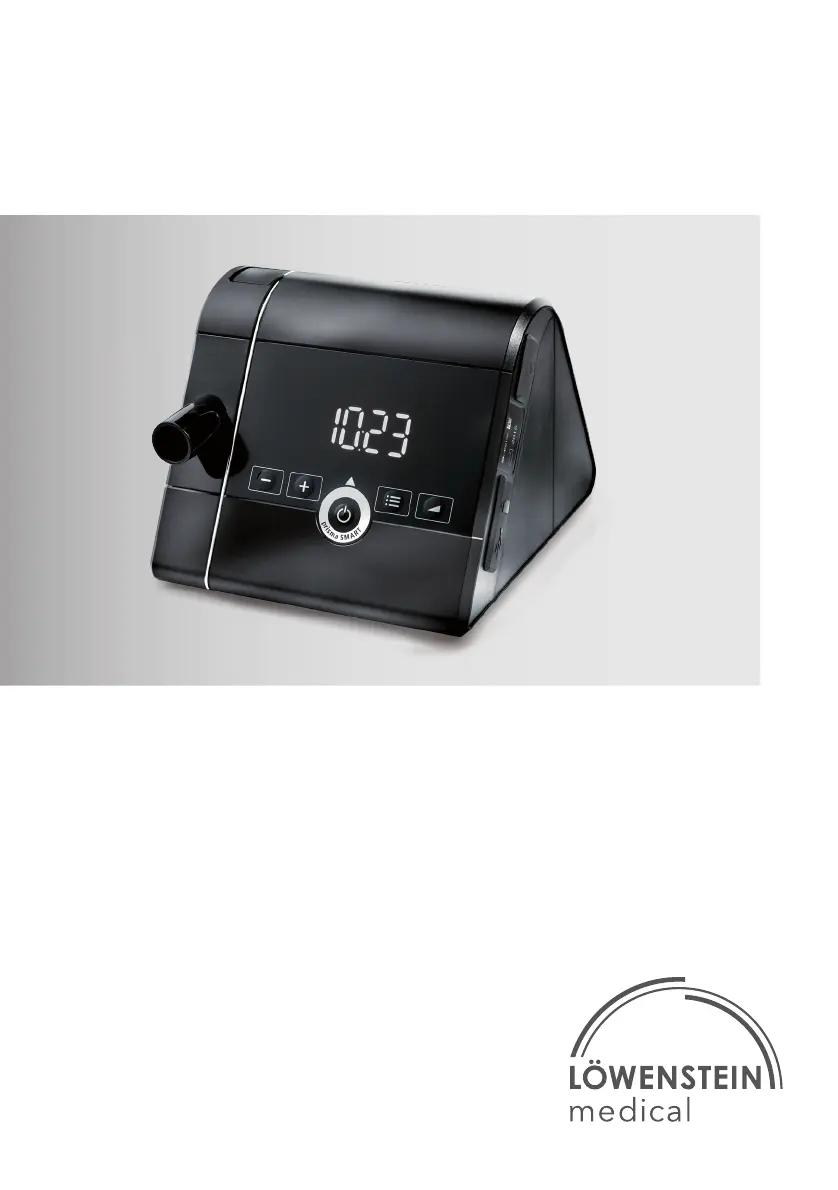
Lowenstein Medical prisma SMART - User Manual

Lowenstein Medical prisma SMART
40 pages
Print Icon
To Next Page IconTo Next Page
Loading...
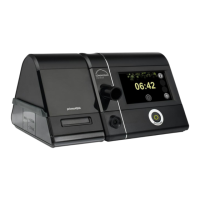
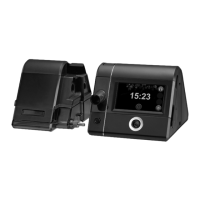
prisma SMART
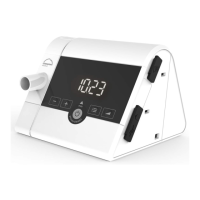
prisma SOFT
Sleep therapy devices
EN Instructions for Use for devices of type WM 090 TD

Other manuals for Lowenstein Medical prisma SMART

Questions and Answers

  • A
    Amanda AllenAug 15, 2025
    What to do if my Lowenstein Medical Equipment device does not reach the set target pressure?
    • A
      astewartAug 15, 2025
      If your Lowenstein Medical Equipment device isn't reaching the set target pressure, there are a couple of things you can check: * The air filter might be dirty. Try cleaning it, and if that doesn't work, replace it. * The breathing mask may be leaking. Adjust the headgear to ensure a tight fit. If the mask is still leaking, you might need to replace it.
  • D
    Debbie OrrAug 18, 2025
    What to do if my Lowenstein Medical Equipment shows error (601), (610) or (609)?
    • K
      Kelli GriffinAug 18, 2025
      If your Lowenstein Medical Equipment displays error codes (601), (610), or (609), it indicates a faulty SD card. Try removing the SD card and reinserting it. If the message persists, replace the SD card.
  • M
    Mrs. Linda SullivanAug 21, 2025
    What to do if my Lowenstein Medical Equipment shows error (204)?
    • C
      Carrie BowmanAug 21, 2025
      If your Lowenstein Medical Equipment shows error (204), this indicates that the humidifier is not working properly. Remove the humidifier from the device and then reconnect it. If the message continues to appear, contact an authorized specialist dealer to have both the device and humidifier checked.
  • M
    miguelsmithAug 25, 2025
    What to do if my Lowenstein Medical Equipment shows error (701)?
    • T
      Teresa BarreraAug 26, 2025
      If your Lowenstein Medical Equipment shows error (701), this indicates a leak on the humidifier or at the cover on the side. Remove the humidifier or side cover from the device and reconnect it. If the message continues to be displayed, contact an authorized specialist dealer to have the device and the humidifier checked.
  • D
    dylangarciaAug 28, 2025
    What to do if my Lowenstein Medical Equipment shows error (603)?
    • E
      Emily WilliamsAug 29, 2025
      If your Lowenstein Medical Equipment displays error (603), it means the SD card is full. You should delete data from the SD card or use a new SD card.
  • D
    Danny TapiaAug 31, 2025
    What to do if my Lowenstein Medical Equipment displays other error codes?
    • R
      Rebecca DawsonSep 1, 2025
      If your Lowenstein Medical Equipment displays error codes other than those specified, it may indicate electronics problems. Disconnect the device from the power supply and then reconnect it. If the message continues to be displayed, contact an authorized specialist dealer to have the device and the humidifier checked.
  • J
    Jerry WeissSep 4, 2025
    Why Lowenstein Medical Equipment therapy cannot be started by taking a breath?
    • A
      Alexa SimmonsSep 4, 2025
      If therapy on your Lowenstein Medical Equipment cannot be started by taking a breath and the device doesn't switch off after removing the mask, it could be due to these reasons: * The autoSTART function is not activated. You should activate it. * The autoSTART function may be restricted when using accessories with high resistance. Contact your specialist dealer.
  • B
    Brent HernandezSep 7, 2025
    How to fix Lowenstein Medical Equipment when there is no running noise and nothing in the display?
    • J
      Jennifer RileySep 8, 2025
      If your Lowenstein Medical Equipment shows no running noise and nothing appears on the display, it's likely due to no power supply. Check that the power cord is securely connected and verify the function of the socket.
  • D
    Dawn SmithSep 12, 2025
    Why softSTART cannot be switched on in Lowenstein Medical Equipment?
    • J
      Jeremiah Washington MDSep 12, 2025
      The softSTART function on your Lowenstein Medical Equipment might be disabled. Ask your physician whether the function can be enabled.

Summary

Introduction

Intended Use

Describes the device's purpose and target users.

Description of Function

Explains how the device operates and its user interface.

User Qualifications

Defines roles of user, patient, owner and responsibilities.

Indications

Lists specific conditions treated by prisma SOFT and SMART.

Contraindications

Lists conditions where the device should not be used.

Side Effects

Details potential negative effects of using the device.

Safety

Safety Information

General safety guidelines for device operation and handling.

General Information

Covers warranty voidance, authorized repairs, and EMC precautions.

Warnings in this Document

Explains warning symbols (WARNING, CAUTION, NOTICE) and their meanings.

Product Description

Overview

Illustrates and labels the main components of the device.

Operating States

Describes the different states of the device (On, Standby, Off).

Control Panel

Identifies and explains the function of each button on the control panel.

Symbols in the Display

Lists and explains various symbols shown on the device display.

Accessories

Shows and lists available accessories for the device.

Preparation and Operation

Set Up and Connect the Device

Provides step-by-step instructions for connecting the device.

Start Therapy

Explains how to begin a therapy session.

End Therapy;Switch Off Device

Details how to stop a therapy session and turn off the device.

Set Humidifier

Instructions for connecting and setting the humidifier.

Performing the Mask Test

Guides the user through the mask leak test procedure.

Switch softSTART On and Off

Explains how to activate and deactivate the softSTART function.

Use SD Card (Optional)

Instructions for inserting and using the SD card for data storage.

Menu Settings

Function of the Keys

Explains how key functions change based on display symbols.

Settings Menu

Guides on navigating and making adjustments within the settings menu.

Info Menu;Read Out Operating Hours

Explains how to access and view device operating hours.

Hygiene Treatment

General Information

General precautions and requirements for hygiene procedures.

Cleaning Intervals

Provides a schedule for cleaning and replacing filters and tubes.

Hygiene Treatment for Device

Detailed steps for cleaning and disinfecting the device itself.

Hygiene Treatment for Breathing Tube

Outlines the cleaning and disinfection process for the breathing tube.

Function Check

Function Check

Describes the procedure to verify the device's functionality.

Troubleshooting

Device Faults

Lists common device errors, their causes, and remedies.

Display Messages

Explains error codes and messages displayed by the device.

Servicing

Servicing

Information regarding device servicing and its service life.

Storage

Storage

Guidelines for storing the device properly.

Disposal

Disposal

Instructions on how to dispose of the device and its components responsibly.

Appendix

Technical Data

Provides detailed technical specifications of the device.

Safety Distances

Recommends safe separation distances from HF emitting devices.

Marks and Symbols

Explains markings and symbols found on the device and packaging.

Scope of Supply

Lists the items included in the standard package.

Accessories and Replacement Parts

Information on ordering additional accessories and replacement parts.

Warranty

Details the manufacturer's warranty terms and periods.

Declaration of Conformity

States the product's compliance with medical device directives.

Lowenstein Medical prisma SMART Specifications

General IconGeneral
Device TypeCPAP Device
CategoryMedical Equipment
Therapy ModesCPAP, APAP
Ramp FunctionYes
HumidifierIntegrated Heated Humidifier
Data StorageSD Card
DisplayLCD
ConnectivityBluetooth, USB
Ramp Time5-45 minutes
Weight1.4 kg
Power Supply100 – 240 V AC, 50/60 Hz

Related product manuals