EasyManua.ls Logo

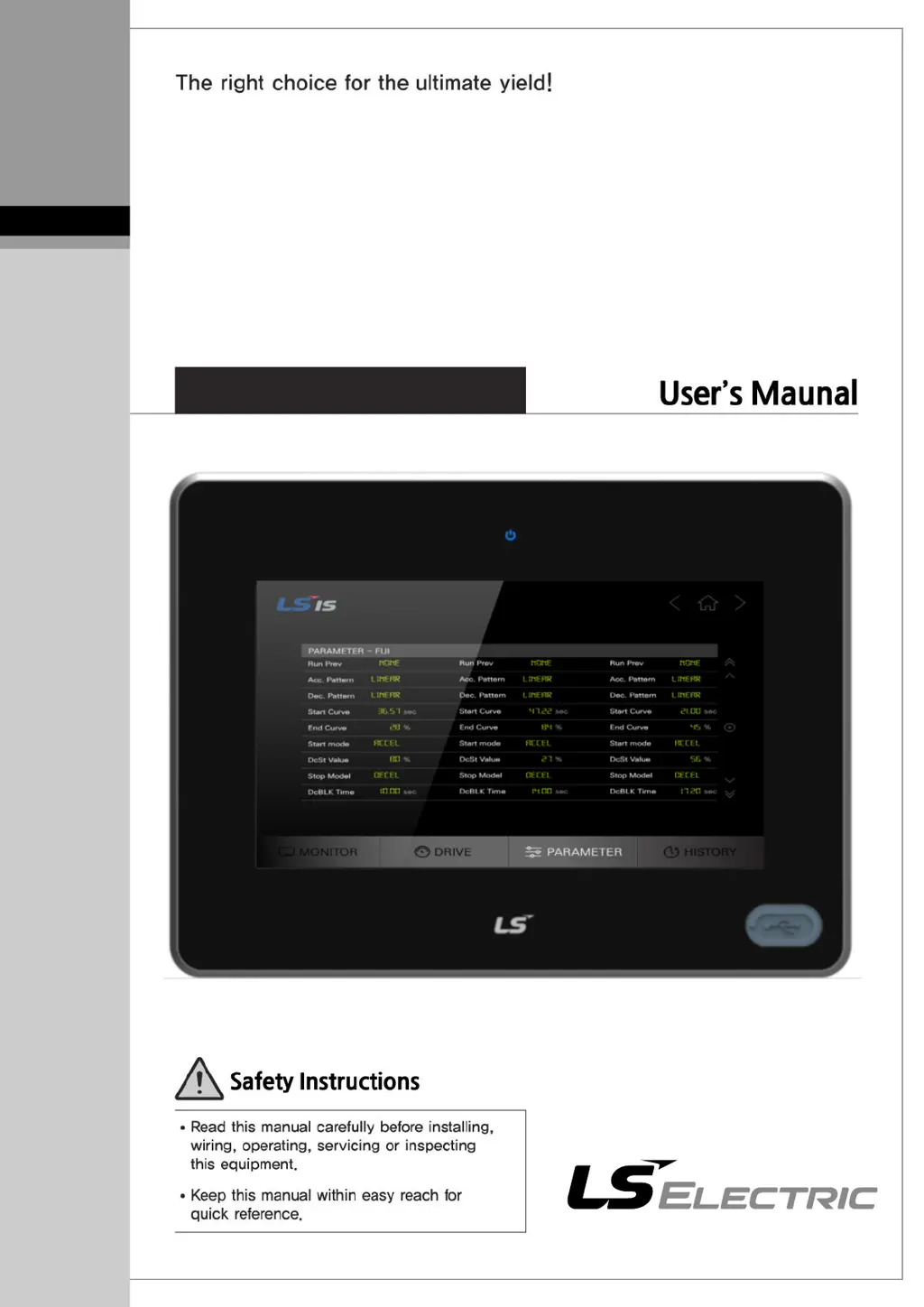
LS ELECTRIC eXP2 Series - User Manual

LS ELECTRIC eXP2 Series
129 pages
Print Icon
To Next Page IconTo Next Page
Loading...
LS ELECTRIC strives to maximize your profits in gratitude for choosing us as your partner.
HUMAN MACHINE INTERFACE
XGT PANEL
eXP2 Series

Table of Contents

Questions and Answers

  • M
    Michele JohnsonAug 19, 2025
    What to do if the LS ELECTRIC Recording Equipment touch screen is not responding correctly?
    • M
      Maureen HamiltonAug 19, 2025
      If the touch screen responds in a different area or doesn't respond at all, the touch calibration settings may be incorrect. Redo the calibration settings. Also, the touch panel may be broken. If you can't access the setting menu, connect a mouse to the USB port and use the mouse.
  • L
    Lauren TravisAug 21, 2025
    How to troubleshoot communication issues with LS ELECTRIC Recording Equipment?
    • K
      katherinejordanAug 21, 2025
      If communication isn't working, the communication setting or cable may not be normal. For RS-232C, check whether the connection setting is normal in XP-Builder. For RS-422/485, check whether the station and communication connection setting is normal.
  • P
    Philip StewartAug 23, 2025
    How to fix a black screen on LS ELECTRIC Recording Equipment?
    • A
      amanda09Aug 23, 2025
      If a black screen appears when turning on the device, it could be due to the device not being set to booting mode. Check if the No. 5 switch at the DIP switch in the back of the device is in the 'B' direction, which is the booting mode. A black screen may also indicate a backlight malfunction.
  • S
    sharon98Aug 26, 2025
    Why is my USB storage device not recognized by LS ELECTRIC eXP2?
    • R
      Robert BrownAug 26, 2025
      If a USB storage device isn't recognized after re-permitting power, it could be due to the 'Reset USB Power' option. If this option is selected, cancel the selection and permit the power again. If this doesn't work, try using another USB storage device with a higher recognition ratio, as some devices may not be smoothly recognized.
  • T
    Thomas FarleyAug 28, 2025
    How to improve the operation speed of LS ELECTRIC eXP2 Recording Equipment?
    • A
      alyssa79Aug 28, 2025
      If the operation speed has slowed down, it may be because a large amount of image is used for the projects. Using vector images instead of raster images can reduce memory share. If there is no proper vector image, the desired image can be composed by using various functions of figures (circle, square, straight line and etc.). Also, removing unnecessary background screens and applying background colors can help.
  • P
    Paul CaldwellAug 30, 2025
    What to do if LS ELECTRIC eXP2 Recording Equipment shows a system alarm due to lack of memory?
    • C
      Cameron WelchAug 30, 2025
      If a system alarm occurs due to lack of memory, it could be because the memory usage is exceeding 95%. Using vector images instead of raster images can reduce the memory share. In the graphic library of XP-Builder, the image group marked as OOO_R is the raster image group while the image group marked as OOO_V is the vector image group. If the monitoring is closed down due to the increase of the memory share in spite of the image change operation, contact the A/S center close by.
  • A
    Adam JacksonSep 1, 2025
    Why does LS ELECTRIC Recording Equipment display '#' or '~' for number indication?
    • B
      Billy HayesSep 1, 2025
      If the number indication object value is shown as '#' or '~', it could be due to an incorrect digit or type. When the number to be expressed exceeds the number set in the object, '#' is expressed. In this case, set the digit larger and after downloading again, execute the program again. When the numeric display object is expressed as BCD type, the data whose type is not BCD is expressed as '~'. In this case, adjust the device value as BCD type.
  • C
    Cory WhiteSep 3, 2025
    How to enable the buzzer sound on LS ELECTRIC eXP2 Recording Equipment?
    • T
      Thomas JacobsSep 3, 2025
      If the buzzer doesn't sound when the switch operates, the buzzer may be set to 'no sound'. Redo the environment setting for the buzzer to sound. After setting to use buzzer, check whether the buzzer sounds or not in the 1)’s setting windows. If the switch doesn’t work too, it seems that some error occurs in the touch function.
  • S
    shernandezSep 5, 2025
    Why does communication fail on LS ELECTRIC eXP2 when moving to a screen with many objects?
    • B
      Bradley SpencerSep 5, 2025
      If communication fails when moving to a screen with many objects, the communication time-out in the device setting may be too short. In the device setting at the XP-Builder, after setting the communication time out to be big, download the program and execute it again.
  • S
    Sheila CraigSep 7, 2025
    What causes the 'Failed to load image files' error on LS ELECTRIC Recording Equipment?
    • M
      Matthew GregorySep 8, 2025
      If the system displays “Failed to load image files”, it might be because the recognition of the USB is delayed when connected with the USB storage device. Remove the USB storage device and then reinstall it.

Summary

Safety Precautions

Before Using the Product

To use the product safety and effectively, please read this instruction manual thoroughly before use.

Handling, Installation, and Wiring Precautions

Covers design, installation, and wiring precautions for safe operation and setup.

Startup, Maintenance, and Disposal Precautions

Guidelines for safe startup, maintenance, and proper disposal of the product.

System Overview and Configuration

Introduction and Product Features

Overview of the XGT Panel, its purpose, and key features.

System Configuration and Part Names

Details on panel part names, system setup, and configuration options.

Standard Specifications

Details general and function standards applicable to the XGT Panel series.

Panel Settings

Guides on configuring backlight, touch calibration, date/time, environment, network, and remote settings.

Operation, Diagnostics, and Maintenance

Diagnostics and PLC Information

Procedures for diagnosing panel functions and viewing PLC connection status and history.

Storage Functions and Software Updates

Instructions for managing projects, downloading, uploading, and updating the device using storage media.

Maintenance Procedures

Guidelines for performing daily and periodical maintenance to ensure optimal panel performance.

Installation and Troubleshooting

Installation and Wiring Guide

Covers installation environment, panel mounting, wiring, and grounding procedures.

Troubleshooting Common Issues

Provides solutions for various problems encountered during operation, including startup, display, and communication issues.

Product Dimensions

Details physical dimensions for different XGT Panel models.

Warranty and Environmental Policy

Information regarding product warranty terms and the manufacturer's environmental policy.

LS ELECTRIC eXP2 Series Specifications

General IconGeneral
BrandLS ELECTRIC
ModeleXP2 Series
CategoryRecording Equipment
LanguageEnglish