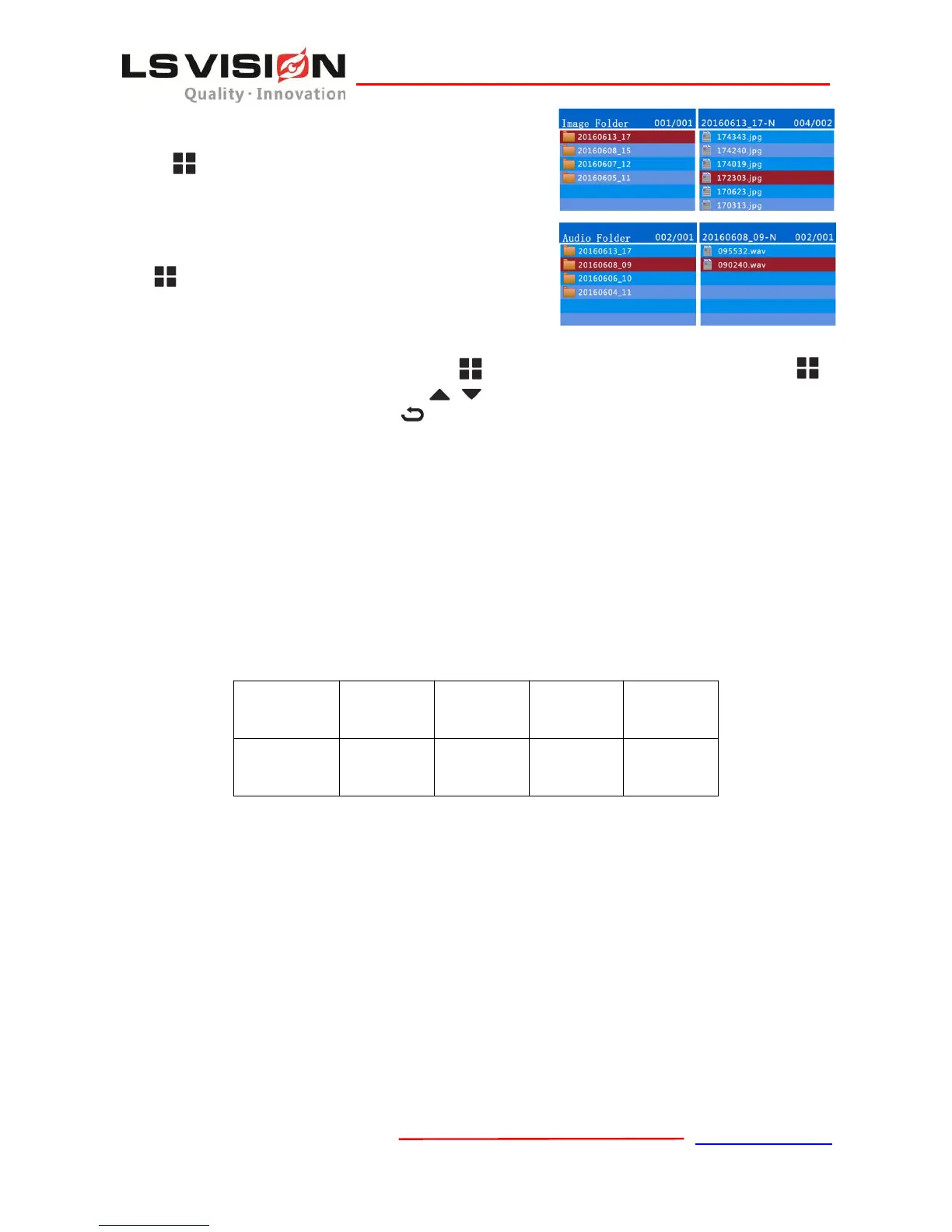
In the Image directory, there are directories named with
date and time. Choose the picture file and press the OK
Button to view the pictures. The pictures is in JPG .
6.3 Play Audio
In the Audio directory, there are directories named
with date and hour. Choose the audio file and press
OK to play the audio. The audio file is in the
WAV format.
7. Setting Menu
When the device is idle, press the Menu Button to show the Setting Menu.Press OK Button to
choose the sub-menu. Press UP and Down to scroll up and down in the menu. Press OK to
choose the menu or value. Press Return to return to the upper level menu.
7.1 Record Resolution
The resolution for recording is 1080P (1920*1080).
7.2 Record FPS
The default record FPS is 30 Frames Per Second. User can choose from 5,10,15,20,25 and 30fps.
7.3 Record Quality
The default recording quality is “High”. User can choose from “Super”, “High”, “Medium” and
“Low”. The value of the bitrate is as following.
7.4 Live Resolution
The Live resolution is the resolution for video transmission through 3G/4G. The default resolution is
(1280*720), user can choose 1080P(1920*1080), 720P(1280*720) or VGA (640*360).
7.5 Live View FPS
The Live view FPS is the Frames Per Second for video transmission through 3G/4G. The default
FPS is 25fps, user can choose from 5,10,15,20,25 and 30fps.
7.6 Live Quality
The default value for live quality is “Medium”. You can choose from “Super”, “High”, “Medium”
and “Low”. Let’s see the bitrate under the different sorts of resolution and live quality in the form
below.


 To Next Page