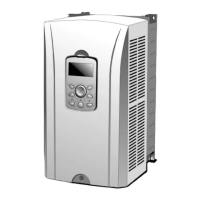
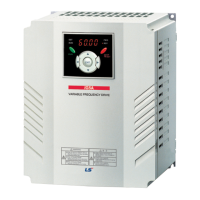
iS7 220V Auxiliary Power Option Card User Manual
6.2 Option Card Power Status LED Display
(1) Purpose
Check the input power of the option through LED display.
(2) Way of offering
The status of LED(Green) means that LED is on when (AC 200~230V) is
applied to the option.
status of auxiliary power option
6.3 Check Operation in Drive according to the Power Supply
Status and Communication
(1) Operating Status according to the Drive and the Option
Power Input Condition
Option in
Operation
(5V Supplied)
While the option is on, the main power is off and the inverter displays the
trip state, but the communication function is still working. If the above table
3 condition : the inverter power off & the option power on, only the



 To Next Page