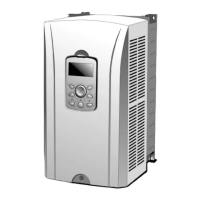
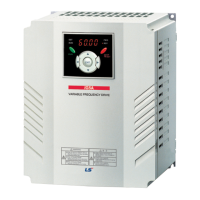
iS7 220V Auxiliary Power Option Card User Manual
7. Troubleshooting
This page is to explain faults or abnormal symptoms that may arise while using
the auxiliary power option board. If the below process do not solve the issue
please contact your supplier or your regional sales manager of LSIS.
“ AUX Power
ON ” message
on the keypad
220V auxiliary power
option board is active
Check whether the main power of
the inverter is on
- If the main power is not on, it is
normal for such message to show
on the keypad.
220V power supply is
not live
Check whether the connection to
the terminal of the option
board(L1,L2) is properly
connected.
Control board
of the inverter
is not ON
The LED of the option
board is ON but the
power supply into the
control board is not
active.
Check whether the option board is
connected in option Slot#2.
Keypad blinks
when the main
power of the
inverter is ON
For few
communication
option board,
a jumper needs to be
used.
1) Check on the inverter rating.
- For 90kW and above jumper is
needed for each option boards.
2) Turn OFF the power supply for
the 220V auxiliary power option
board and power up the inverter.
- If this symptom constantly
occurs, please contact your
supplier or your regional sales
manager of LSIS.



 To Next Page