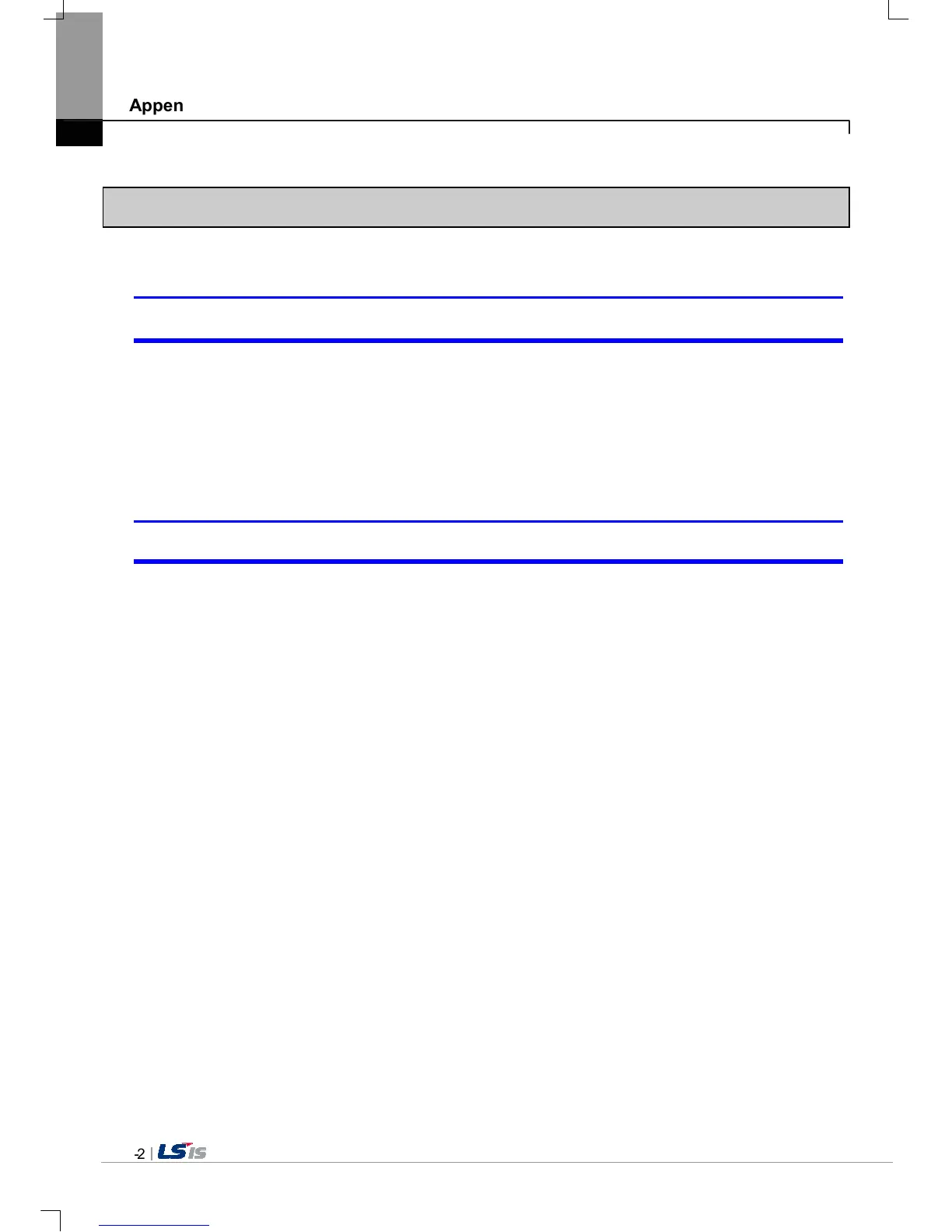
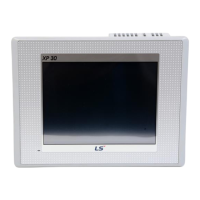
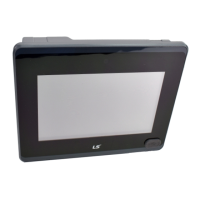
3. Reaction Problem when Touching
When touching the screen it reacts in a different area or it may not react at all?
Phenomenon: When touching the screen it reacts in a different area or it may not react at all.
<Reason>
1) Touch’s Calibration setting is not proper.
2) Touch panel may be a break down.
<Solution>
1) Redo Calibration setting about touch. Refer to the [Device manual Ch.4.1 Touch Calibration].
2) It you can’t go to setting menu, connect mouse to USB port and use mouse.
Buzzer does not sound.
Phenomenon: When pressing buzzer, buzzer does not sound.
<Reason>
1) When that the switch operates but the buzzer doesn’t sound, the buzzer is set as no sound.
2) If the switch doesn’t work too, it seems that some error occurs in the touch function.
<Solution>
1) Redo environment setting for buzzer to sound. Refer to the [device manual Ch.4.7 Environment Setting].
2) After setting to use buzzer, check whether the buzzer sounds or not in the 1)’s setting windows.


 To Next Page