Appendix 1. Troubleshooting
App.1-9
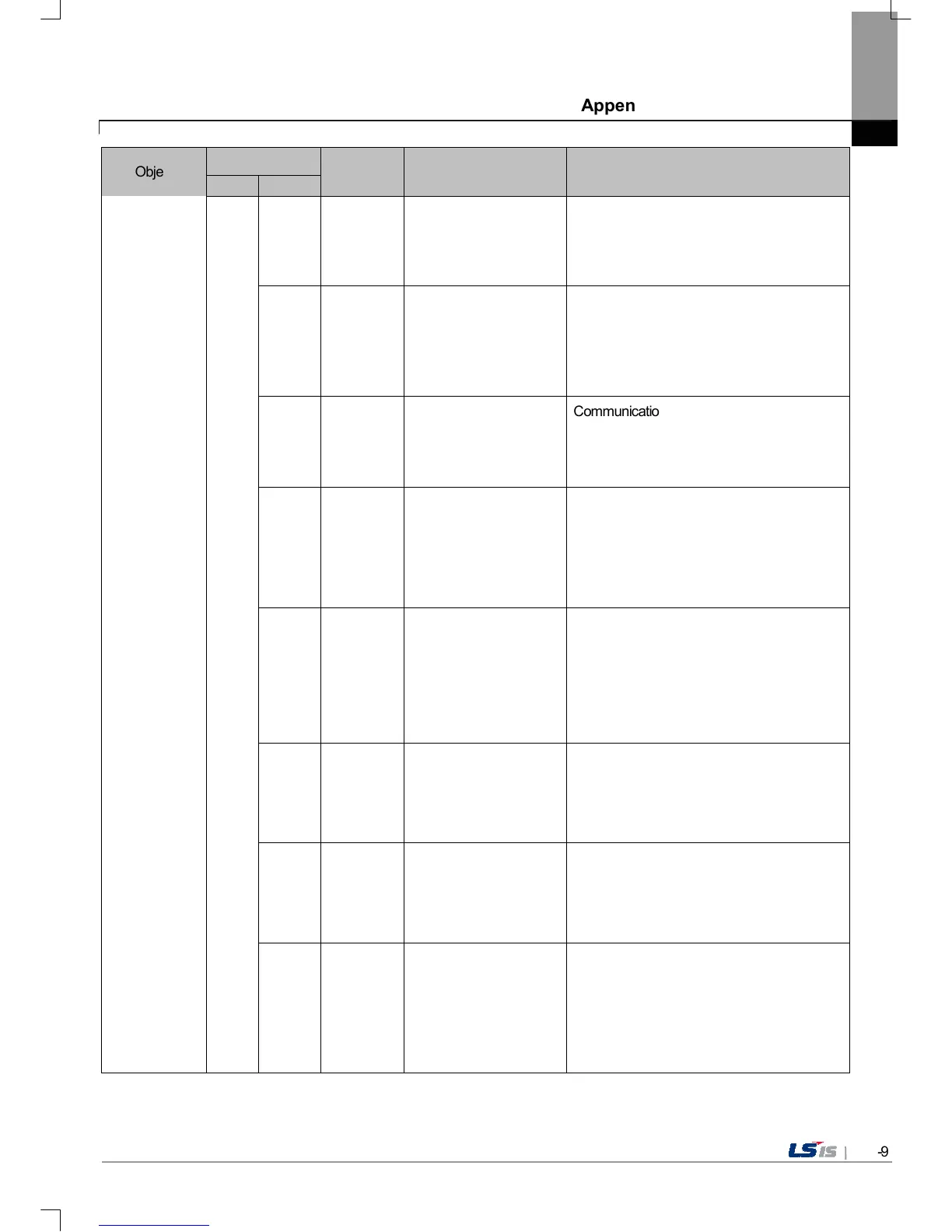
Object
Error code
Occurrence
location
Error message Reason and measure
Type Address
0x01
There's not Password
File.
This message shows up when making it
newly because there is no password setting
file in the device. When making it newly, it is
initialized with no password.
0x02
Failed to Create
Password File.
It make new password setting file when there
is no password setting file. But downloading is
stopped when it fails to make this file because
of device error. If this problem is repeated,
Contact the near Customer Service Center.
0x03
Communication status is abnormal. Route
information is not correct to save project data.
If this problem is repeated, Contact the near
Customer Service Center.
0x04
Failed to Create version
File.
In case that the version information file doesn’t
exist in the device, that file is made newly. In
case that the device has error and fails to
make that file, download is stopped. If this
problem is repeated, Contact the near
Customer Service Center.
0x05
File Size Error.
There is version information file. In case that
because of error of device, it fails to read
version information, because the device
doesn’t know version, download is stopped. If
this problem is repeated, Contact the near
Customer Service Center.
0x06
Failed to get Project ID.
In case of not reading file where project
property is included, download is stopped. If
this problem is repeated, Contact the near
Customer Service Center.
0x07
Failed to read history
alarm data.
In case of not reading information about alarm
history because of error of NVRAM, download
is stopped. If this problem is repeated,
Contact the near Customer Service Center.
0x08
Failed to read CF Card
information.
Project is set to store data at CF card
equipped at device. By the way, now it can’t
read information about CF card. Check the
installation status of CF card and if it is normal,
check the CF card. If this problem is repeated,
contact Customer Service Center.


 To Next Page
 Loading...