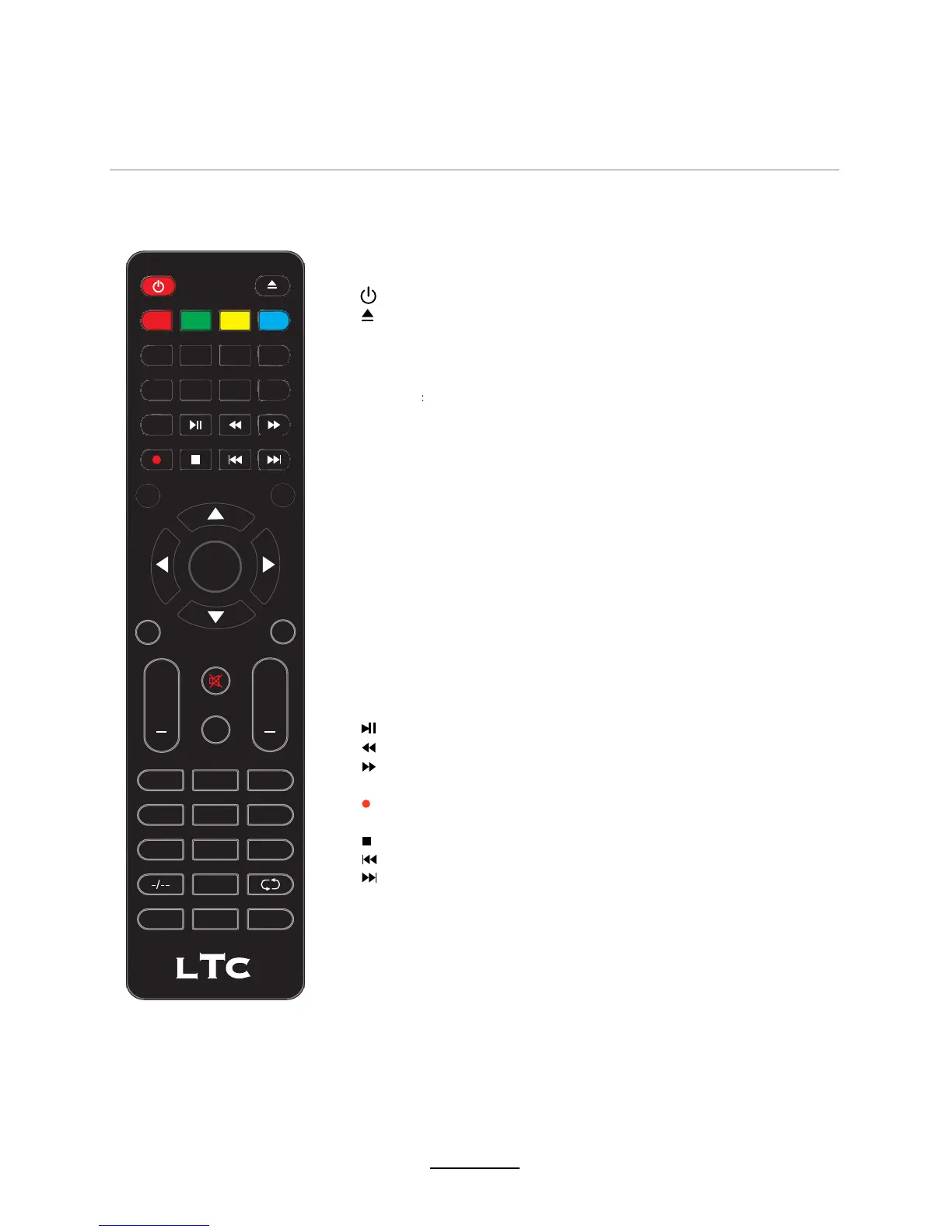
EPG: To show the Electronic Program Guide during no-menu
state only in DTV mode.
: Turn the TV on/standby.
ASPECT: Change the screen display mode.
FAV: Display the favorite program list.
MENU: System setup menu.
TV/RADIO: Switch to TV/RADIO.
: Load/eject DVD disc.
Remote Control
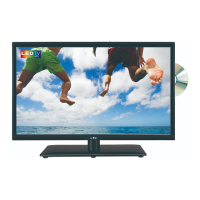
The remote control is using Infra-Red(IR). Point it towards the front of the LED TV. The remote
control may not work correctly if it is operated out of range or out of angle.
6
OK
POWER
MUTE
GOTO
ANGLE
REPEAT
A-B
FAV
SUBTITLE
MEDIA
D.SETUP
TEXT HOLD EPG
SIZE
SUBPAGE
FREEZE
D.MENU
ZOOM
INDEX
TV/RADIO
MENU
ASPECT
AUDIO
DISPLAY
SOURCE P-MODE S-MODE
SLEEP
LANG
EXIT
+
VOL CH
+
879
0
1
23
54
6
TITLE
PVR/DVD
: Press to start record the program in DTV mode.
: Previous chapter.
: Next chapter.
: Fast reverse.
: Fast forward.
: Stop program.
SUBTITLE: Turn on/off the subtitle display in DTV mode.
TEXT:
Turn off/on the Teletext display.
INDEX: Go to index.
HOLD:
Hold or carry on the current subpage.
SIZE: Press to see top half of page double size,
Press again to see the bottom half of page
double size. Press again for normal size.
SUBPAGE: Press to enter subpages, pressagain to cancel.
D.SETUP: DVD system setup.
D.MENU: DVD play list/Disc menu.
LANG: Select DVD disc language.
:
Play/Pause program.
REPEAT
Repeat playing the title or chapter.
GOTO:
Play your favorite title/chapter/track.
ZOOM: Adjust picture size in DVD mode.
ANGLE: Change the angle in DVD mode (only when it is available)
A-B: Repeat from A to B in DVD mode
MEDIA: Media button, go to media directly.
AUDIO : Select audio mode (also for SCART).
FREEZE: Picture freeze.


 To Next Page