10
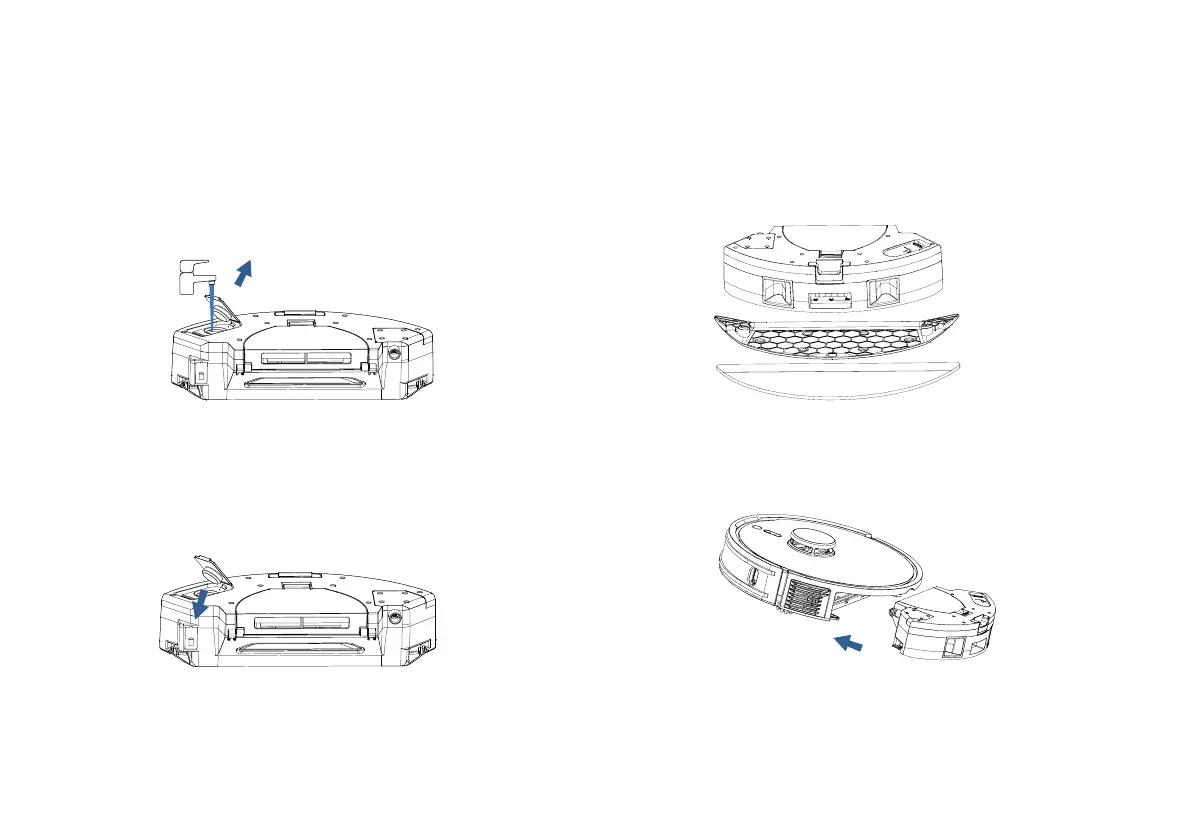
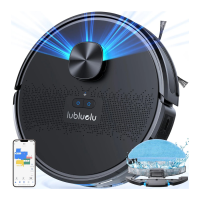
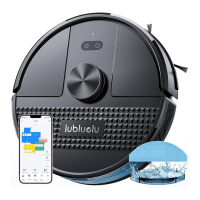
1. Add water into water tank: Open the tank cover, add
an appropriate amount of water and then screw it tight.
Do not add any cleaning agent.
Install Mopping Module
Installation and APP Connection
3. Install the bracket and the mop.
4. Install the combination till the sound of ‘click’ is heard to
ensure correct installation.
Do not use the mopping function on the carpet, otherwise the carpet will get wet.
Install mopping bracket and the mopping-sweeping mode is selected by default
both vacuum and mopping), quite mode is also selected by default.
Without mopping bracket, the sweeping instead of mopping is selected by default
(sweeping only).
Note:
•
•
•
2. Tighten the water filling lip and press it flat to ensure
good sealing effect.



 To Next Page