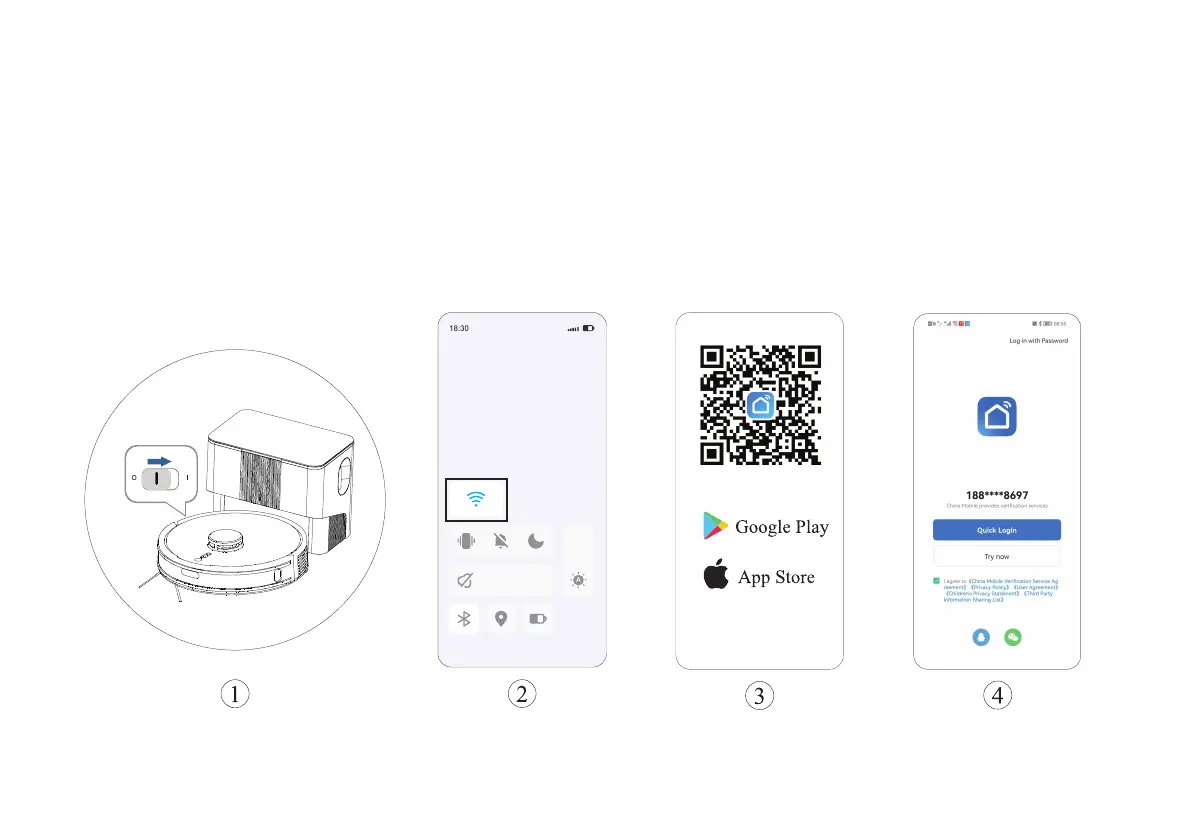
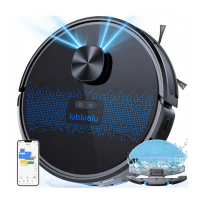
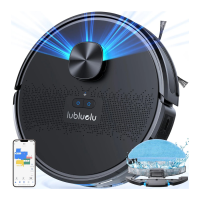
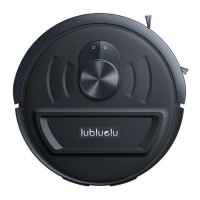
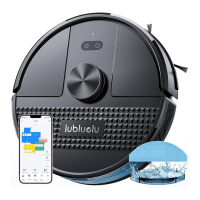
1. Power on the robot according to the figure and align the electrodes
with the pins to start charging.
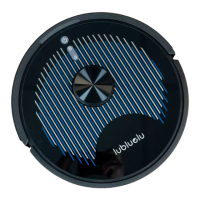
2. Activate the WiFi in phone to connect to 2.4Ghz network.
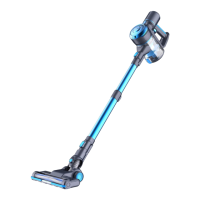
3. Download App: Search “Smart Life” in Appstore or scan
the QR code.
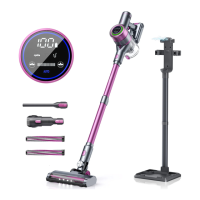
4.Registration: Open the APP and complete the registration.
11
Installation and APP Connection
OFF
ON



 To Next Page